|
|
Editing a Segment Row Step 8
-
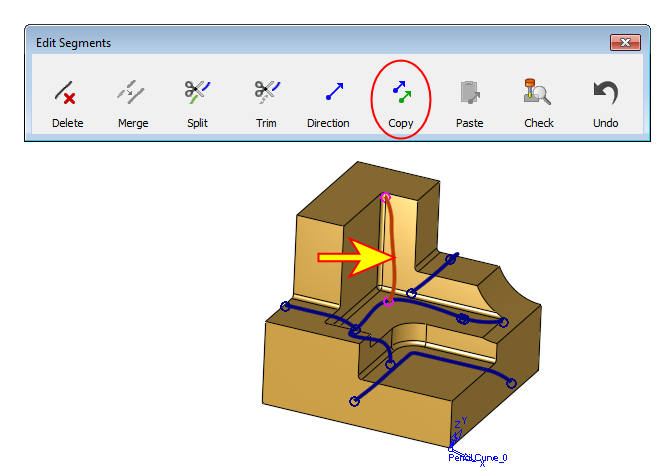
Select the vertical segment again and click Copy (segment direction).
-
Select the lowest segments and click Paste.
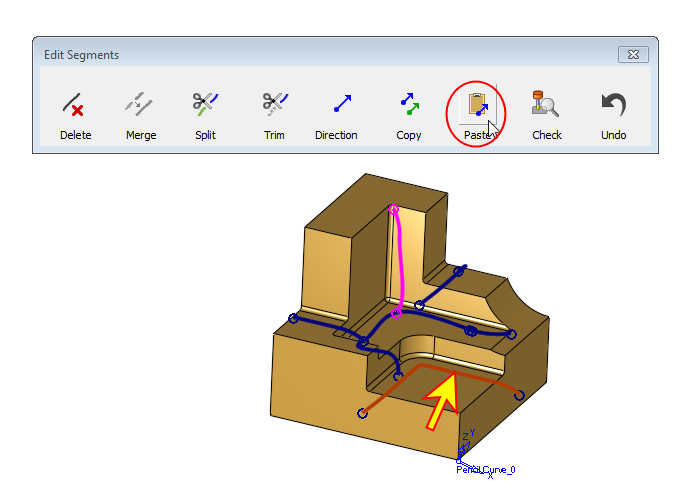
By doing this, the direction (which was previously set for the vertical segment) is now assigned to the lowest segments as well, making sure that both segments have the same direction.
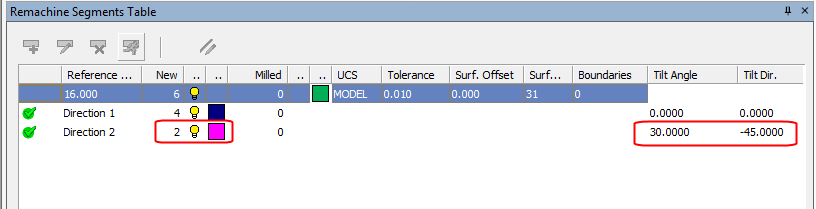
As a result, two of the segments have a new direction. On the right hand of the direction row, the Tilt Angle and Tilt Dir. are specified.