|
|
Editing a Segment Row Step 9
-
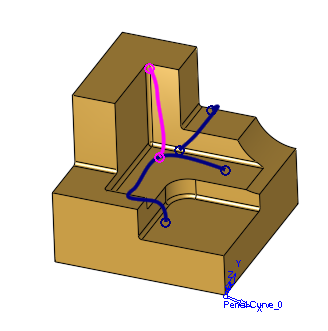
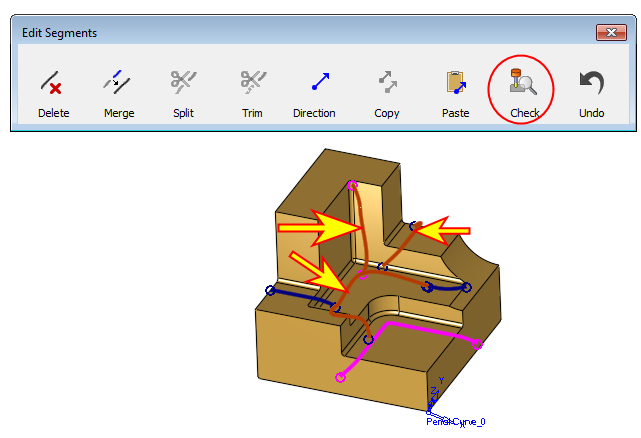
Select the three segments that are marked by arrows. Click Check (segment direction).
-
By doing this, the selected segments are checked for holder collision.
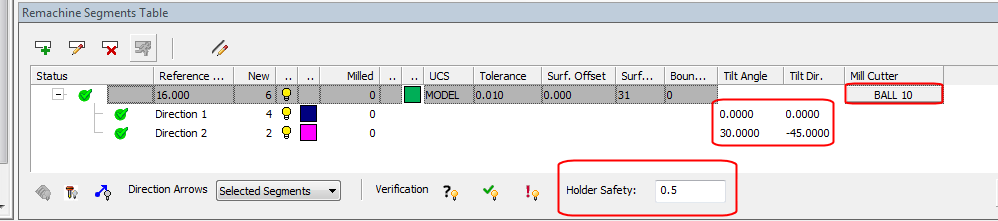
The check is performed considering the Mill Cutter, the set Holder Safety margin, and the set direction.
-
Click the button highlighted in the following image to hide the Not Checked Segments (on the bottom of the Remachine Segments Table dialog). Only the three segments that were checked are now visible.