|
|
Full Dialog Mode
-
Click the Full Dialog ModeFull Dialog Mode
 button.
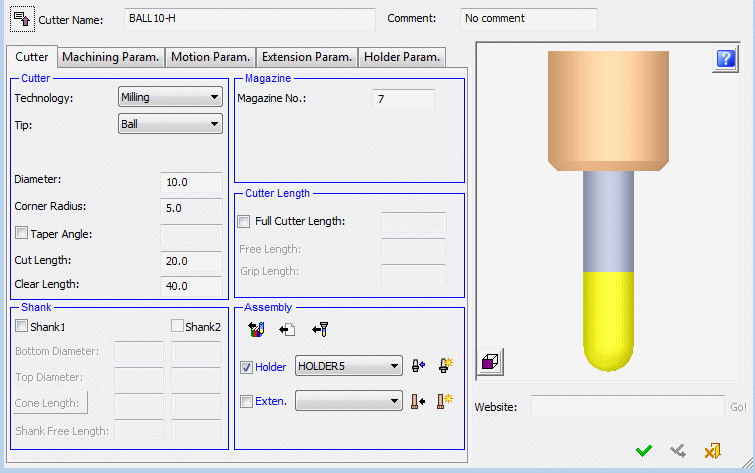
This is a richer dialog but occupies more of the graphic window. Here you can also edit any of the displayed parameters.
-
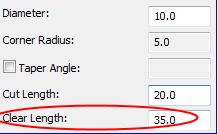
Change the Clear Length of the cutter to 35.
An edited row is marked with the pen icon in the Status field as shown in the following image.
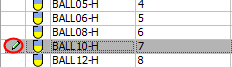
This is removed when you click OK or Apply.
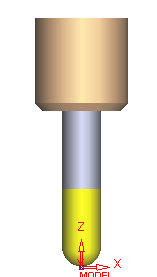
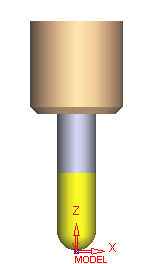
The cutter display dynamically changes according to the manipulation of the cutter and holder parameters.