|
|
Placing the Cutter
-
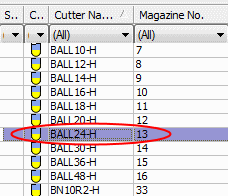
Select the Ball24-H cutter.
-
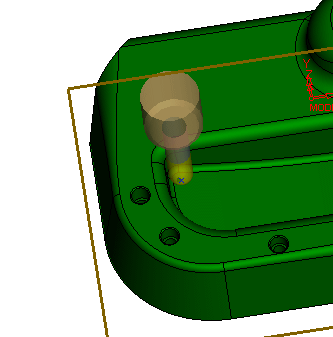
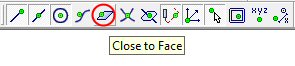
From the Points toolbar, select Close to Face and place the cutter on the pocket floor near the smallest vertical fillet.
-
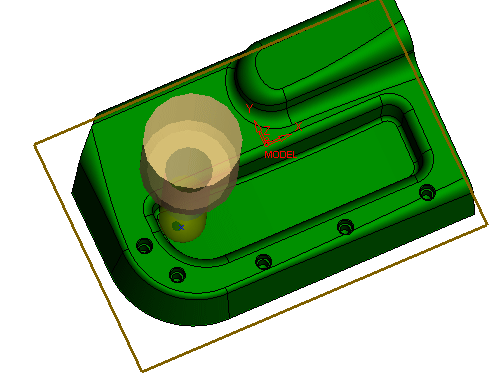
Use the ZPR (Zoom-Pan-Rotate) tool to rotate the part and the cutter. This cutter diameter is too large to complete the machining in this case.
Full docking and ZPR capabilities are available for cutter and holder visualization for 3-axis procedures.
-
Select the Ball10-H cutter and observe that it provides better coverage.