|
|
Limit by One or Two Points
-
Edit the procedure.
-
Select the Limit Cuts by One or Two Points option as the Area Type and click the Set Points button.
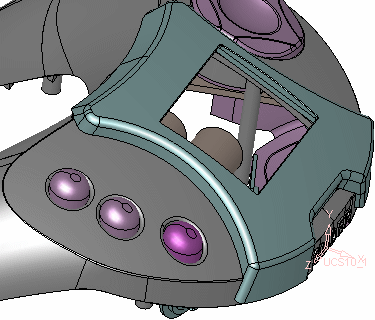
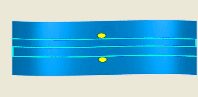
-
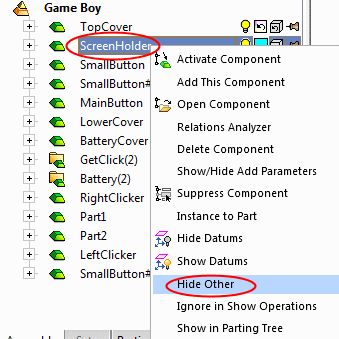
Enter the parameters as indicated below:
-
Execute the procedure.
Notice the gaps between the motion and the surface edge.
Zoom-in to the areas marked in RED circles as shown in the image below:
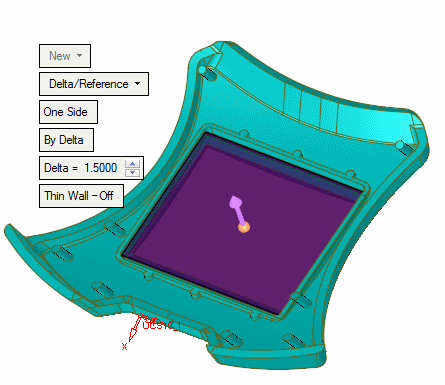
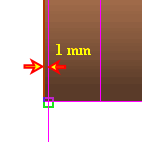
The distance between the passes is equally spaced (less than the 10 mm specified) to ensure a smooth result!


