|
|
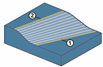
Geodesic 2
In the Surface paths tab, two Calculation types are available: Contact Mode and Tool Center Mode.
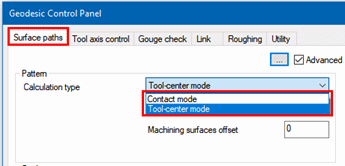
Contact Mode – The motions are calculated on the geometry itself. After toolpath creation, the curves are smoothed or spiraled. As a result, some points might no longer be positioned on the mesh. To force the points back onto the mesh, a snapping algorithm is called at the end of the toolpath creation process. The machining area is defined by the containment curve or the boundary of the mesh.

Tool Center Mode -Center point mode creates an offset (with the value of the tool radius), calculates the toolpath on the offset, and projects the points along the tool axis onto the machining surface. It allows a collision-free pattern generation, even in "sharp inner corners" or strongly curved "multiple surface patch" areas.

-
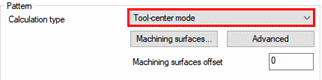
Set the Calculation Type as Tool-center mode.
-
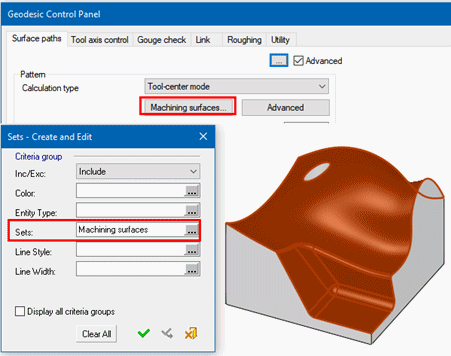
Click the Machining surfaces button and select By Criteria the Set named Machining surfaces.
-
In the Guide curves section, set the Pattern type to Parallel to multiple curves.
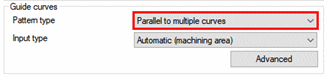
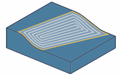
The other option for this parameter is Morph Between Two Curves. The motions direction is calculated in the familiar way from 5X-Production but with a true 3D stepover.