|
|
Geodesic 5
-
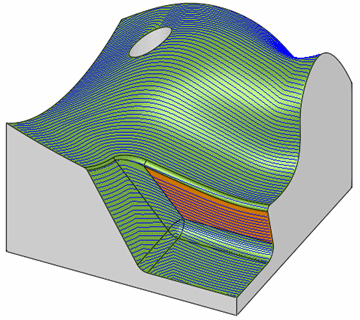
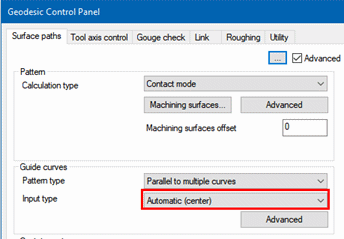
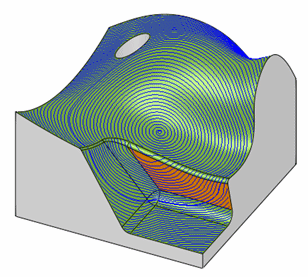
Edit the procedure again and set the Guide Curves Input Type to Automatic (center). The automatic drive curve is considered as a closed and is positioned near the middle of the machining surface.
-
Save & Execute the procedure to see the difference in the motions.
-
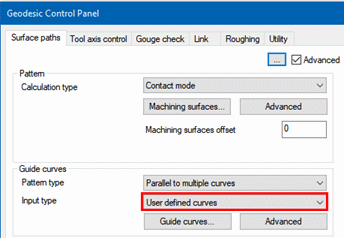
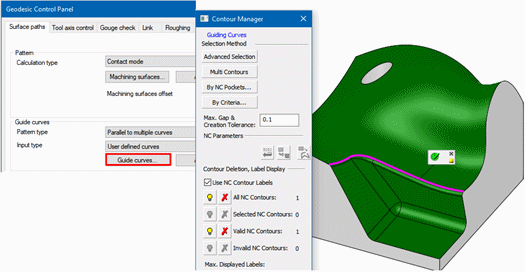
Edit the procedure again and set the Guide curves Input type to User defined curves.
-
Click the Guide curves … button and pick the top edge of the top step fillet as shown in the following image:
-
After recalculation, the motions direction, which is guided by the selected curve, appears to fit the geometry better.