|
|
Gouge Check Against Part
Check Toolpath Against Part
-
Load the 5X_Tilting_gouge.elt file.
-
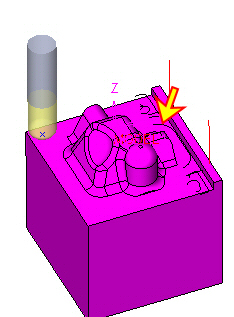
Notice the part procedure in the toolpath.
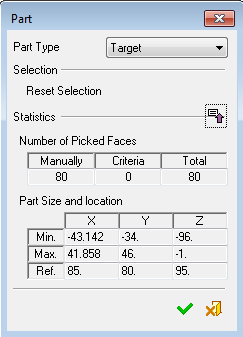
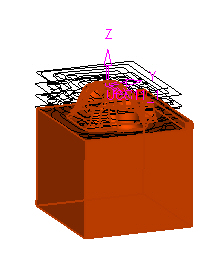
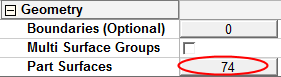
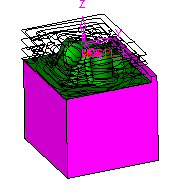
Notice the R-Spiral procedure; there are only 74 part surfaces (compared with the 80 in the part procedure).
-
Enter the Motion Editor - Gouge Check.
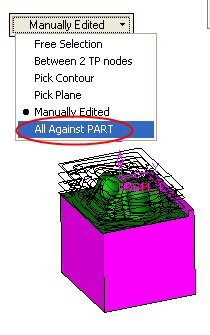
Select the All Against PART option.
-
Accept the default values.
Click OK.
-
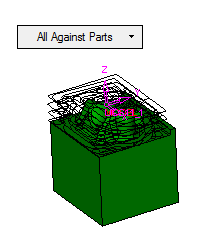
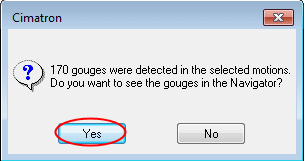
Notice the gouge motions that interfere with the "Part" procedure surfaces.
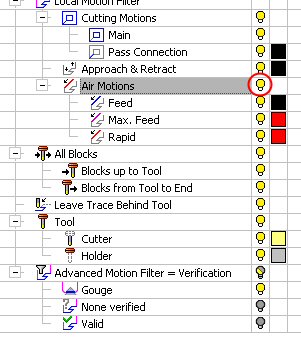
Turn on the Air MotionsAir Motions.