|
|
Advanced Analysis: Define the Groups
Group Definition - Step 1
-
Unpack Pedal_MD.ctf.
-
Load the Assembly file. Click the Groups tab to display the Group Feature Tree.

-
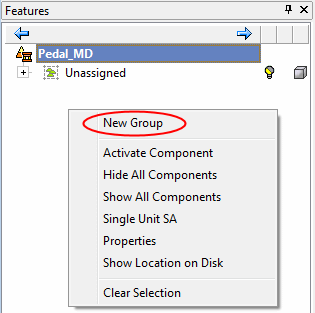
The Main assembly appears in the tree, including the Unassigned group (which currently contains all parts in the assembly). Right-click and select the New Group option.
-
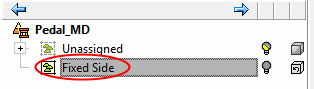
Name the first group, Fixed Side.