|
|
Group Definition - Step 4
-
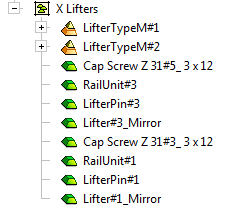
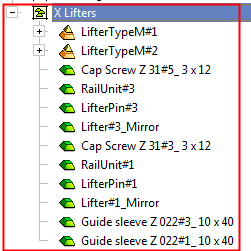
Create a new group named X Lifters, then drag and drop the relevant parts as shown below.
Use the Ctrl key to pick several components and drag them simultaneously.
-
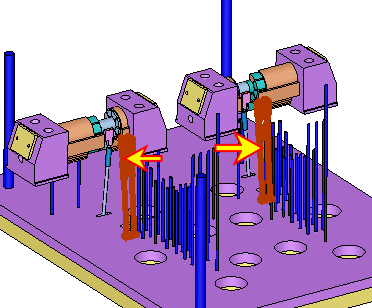
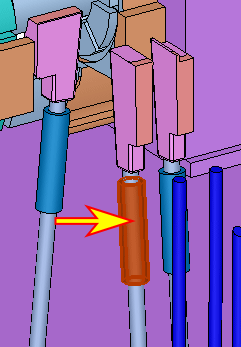
Move all the Guide sleeves within the lifter groups to the movable side.
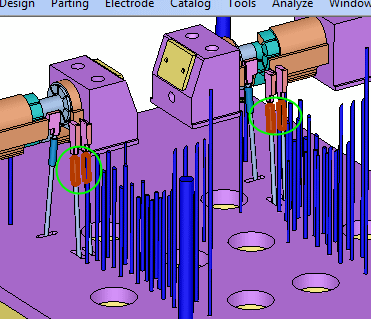
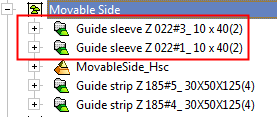
The X Lifters group should now contain only these parts: