|
|
Surface Milling
Horizontal Faces
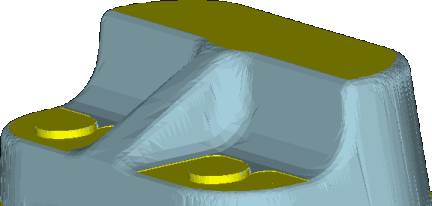
The horizontal areas of the part below will now be milled.
-
Load the Finish.elt file into the NC application.
-
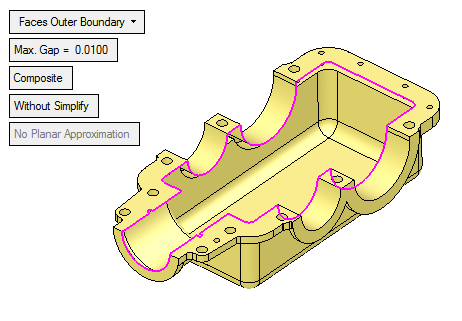
Create a 3-axis toolpath with a Z (Clearance) of 7575.
-
Create a Finish procedure by selecting the Finish Horizontal Planar Areas technology.
-
Import the Cutter Library and select the Flat 8 Cutter for use within this procedure.
-
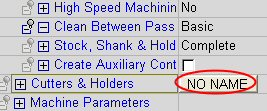
Click the Cutters & Holders button.
-
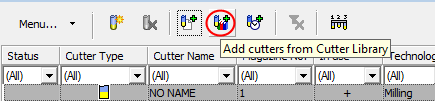
Click the Add Cutters from Cutter Library button.
-
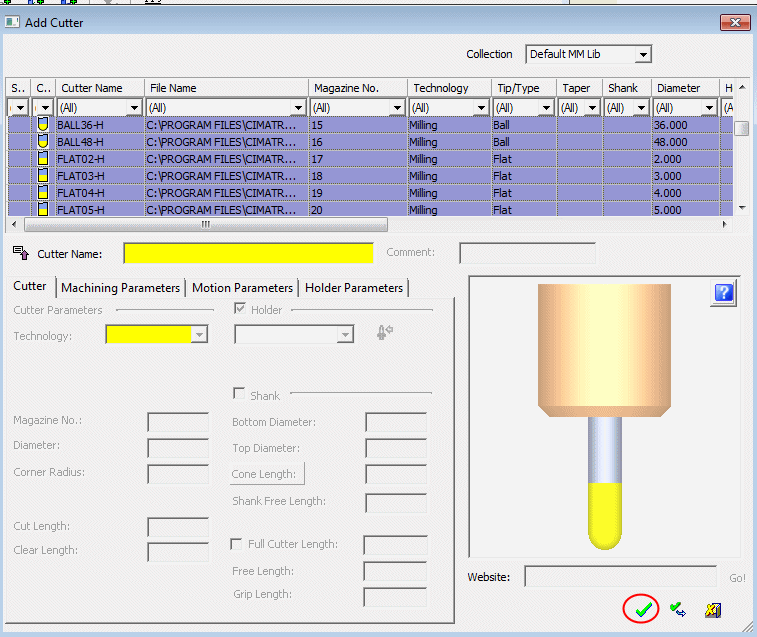
Select all the cutters. Click OK.
-
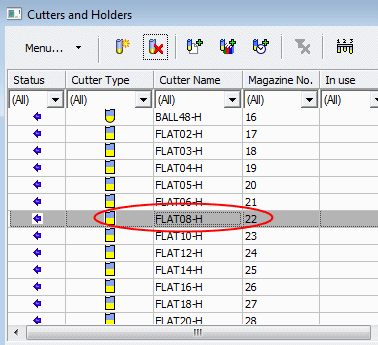
Select the Flat 8 cutter. Click OK.
-
-
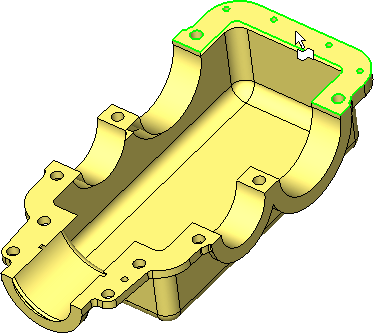
Select All Displayed Part Surfaces.
-
Set the parameters as shown in the following image:
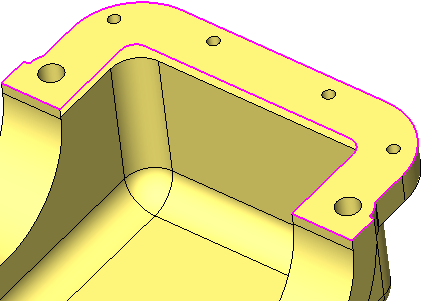
By not considering the remaining stock, previous procedures are ignored.
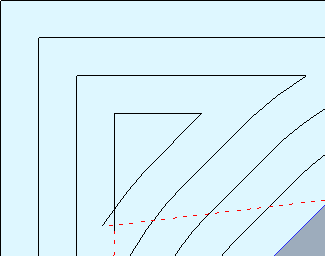
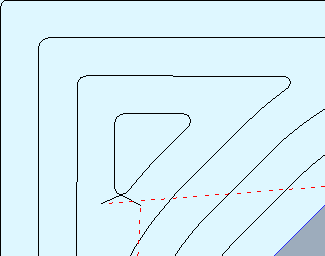
The Round Corners parameter enables faster machining.
-
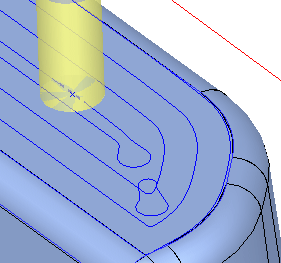
Save and calculate the procedure.
Only the horizontal areas have been milled.
This technology is typically used for flat tools when milling large horizontal areas.
Using a flat cutter enables full use of the horizontal stepfull use of the horizontal step in the procedure and less scallopingless scalloping (that would result from a ball cutter).