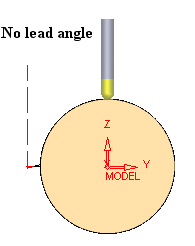
|
|
Step 2 - Tool Axis Control
Tool Axis Control
-
Duplicate the procedure and edit the new procedure.
-
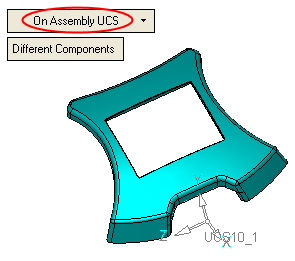
Select the Tool Axis Control tab and change the Tool Axis to the Be Tilted Relative to Cutting Direction option as shown below:
-
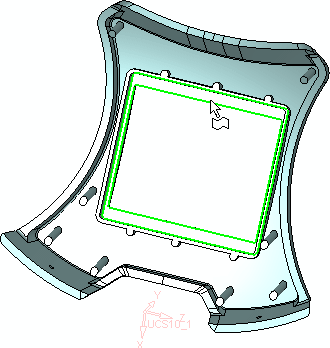
Set the lead anglelead angle to 15.
-
Execute the procedure.
The original setting of the tool axis was fixed and normal to the faces. (Tool axis direction = face normal at touch point.)
Positive Value = lead angle (tool leans to the movement direction).
Negative Value = lag angle (tool leans away from the movement direction).
-
Save and calculate the procedure. Switch to a Side view and simulate (Wireframe Simulation) the two procedures to view the results.