|
|
Multi
-
Right-click and select Round.
-
Select the following three edges:
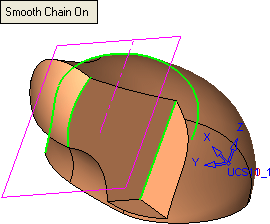
-
Press the Middle Mouse Button to accept the choice of lines.
-
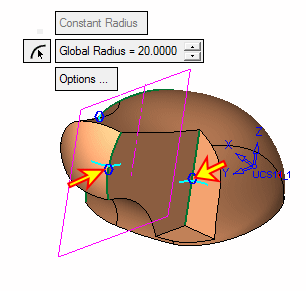
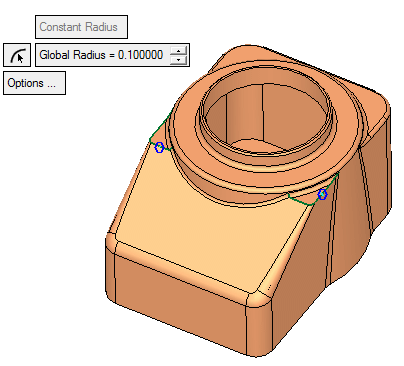
Select the blue circles indicated herehere, enter the values below, and set the third line with the default Global Radius of 5:
-
Press Apply in the Feature Guide.
-
Pick the curve shown in the image below:
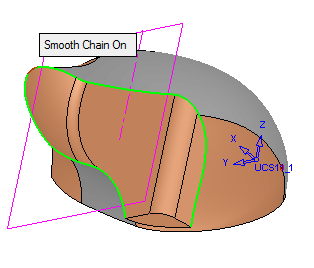
-
Enter a value of 2.5 and click OK in the Feature Guide.
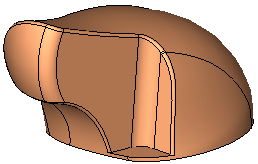
-
Save your work and name the part document, Solid.


