|
|
New Comparison
Before comparing the ECO with the work file, we will first compare it to the master file. As mentioned before, we will not use this comparison to actually apply any changes but for learning the differences between these two files. For example, such a comparison is useful for quoting purposes.
-
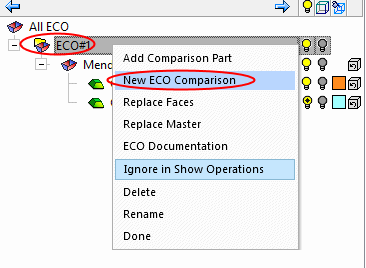
Right-click the ECO#1 folder and select New ECO Comparison.
-
Name the comparison, ECO1-Master (see 1 below).
Note that the system suggests the work part as the receiving part; however, for now we would like to compare the ECO1 with the master part.
Click the Receiving Part parameter (see 2 below).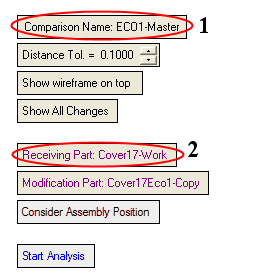
-
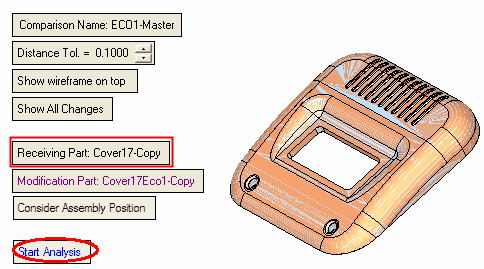
Select the Cover17 – Copy (master) as Receiving Part and click Start Analysis.