|
|
New Holder
-
Select the 20-FLAT cutter.

-
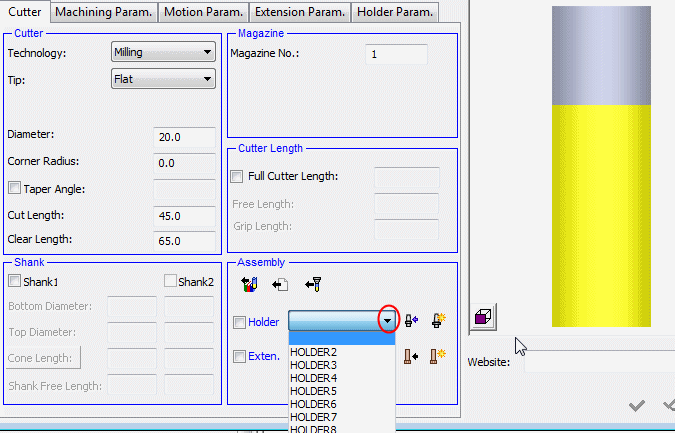
This cutter has no holder. Do not select one of the holders included in the file, which are visible in the Assembly > Holder dropdown.
-
Click the New HolderNew Holder
 button. (You can also load a holder from a specific library.)
 -
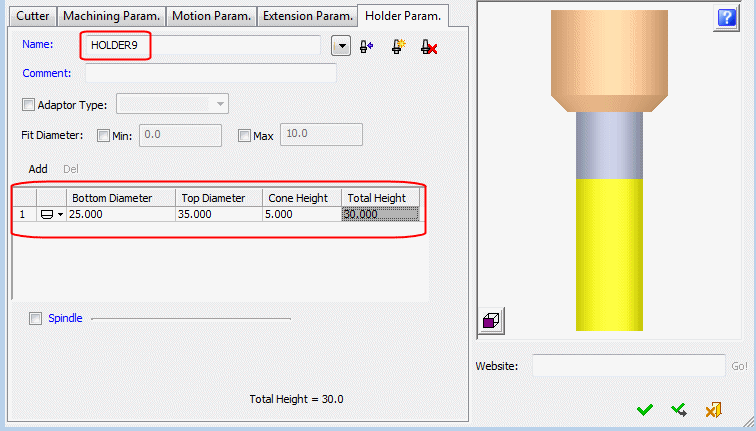
Enter a name for the holder and define its parameters.