|
|
Holders
-
Reload the Cutters Table.elt file and open the Cutter Table.
-
Select the F7 cutter.
-
Click the Holder Parameters tab.
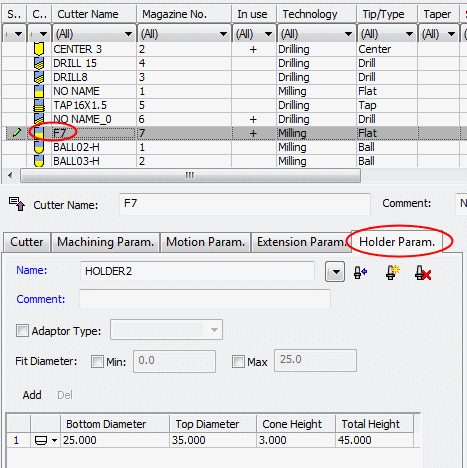
Here you can define or edit a holderdefine or edit a holder for the cutter.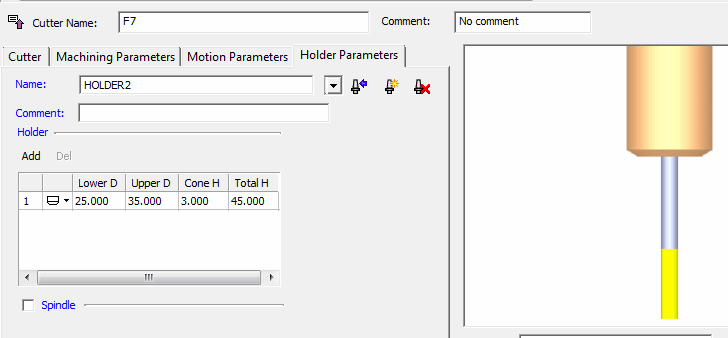
-
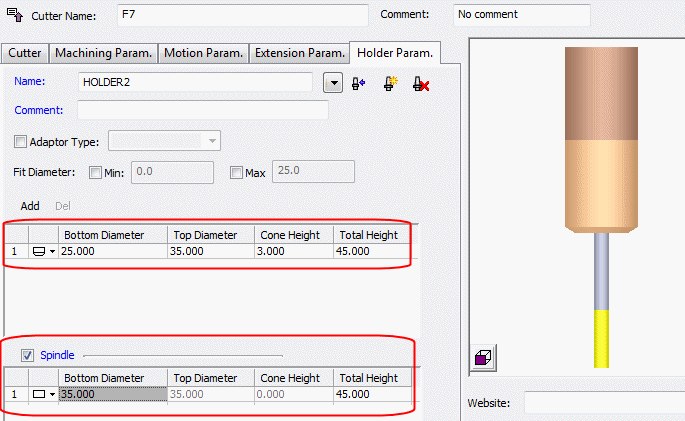
Change the holder type and parameters as shown in the following image:
-
Click Apply.
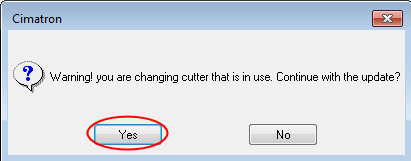
Cimatron checks whether the cutter(s) are used in a procedure(s) and whether the changes influence the procedure execution. If both these conditions occur, a message is displayed informing you that all procedures that use this cutter(s) may be suspended if you approve the changes.
-
The following message is displayed. Click Yes.
Note that the Drill procedure was affected by these changes: