|
|
On Machine Inspection 2
-
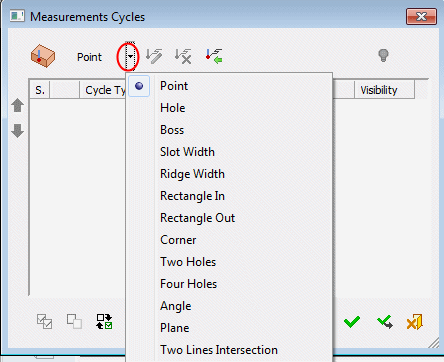
Click the dropdown arrow to display all available measurement cycles. These are the same cycles that are available in the In-Process Measurement dialog. Some machines support more cycle types and others do not support all the ones the procedure offers. These are the ones that are the most commonly used.
-
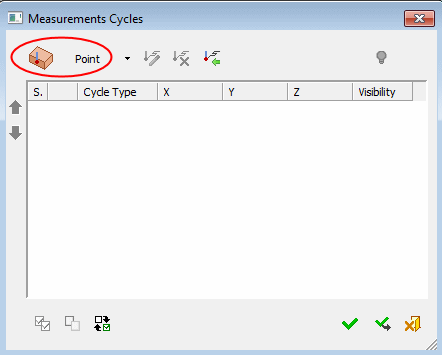
Invoke the required measurement cycle to display the relevant cycle dialog. In this case, click the Point button.
-
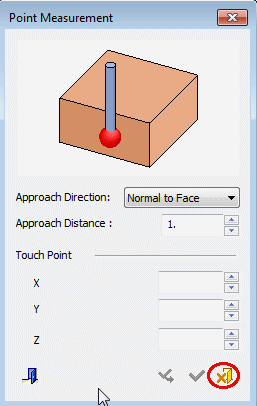
Select Cancel to exit the Point Measurement dialog.