|
|
On Machine Inspection 4
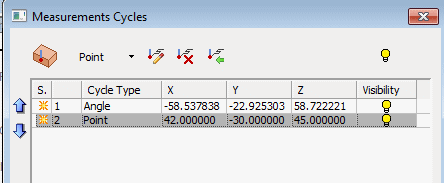
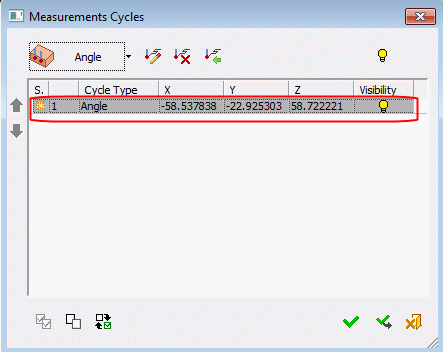
Notice the new Angle row that was added to the Measurement Cycles dialog.
The YELLOW symbol in the Status column indicates that this row contains a new item and that it has yet to be approved.
This sign is removed when you click OK or Apply.
-
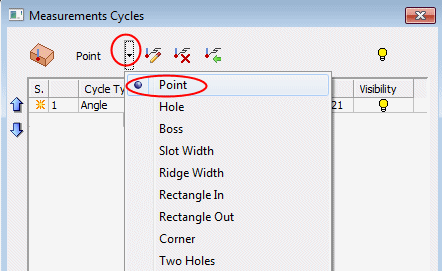
Reopen the dropdown menu and select Point.
-
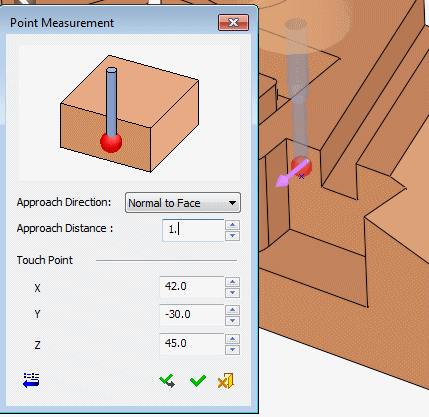
Pick a point on the face and set the Point Measurement dialog parameters as shown in the following image:
-
Click OK.
A new row was added to the dialog.