|
|
On Machine Inspection 5
-
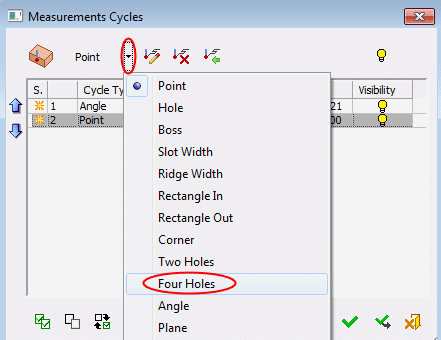
Reopen the dropdown menu and select Four Holes.
-
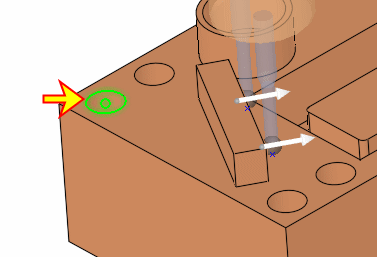
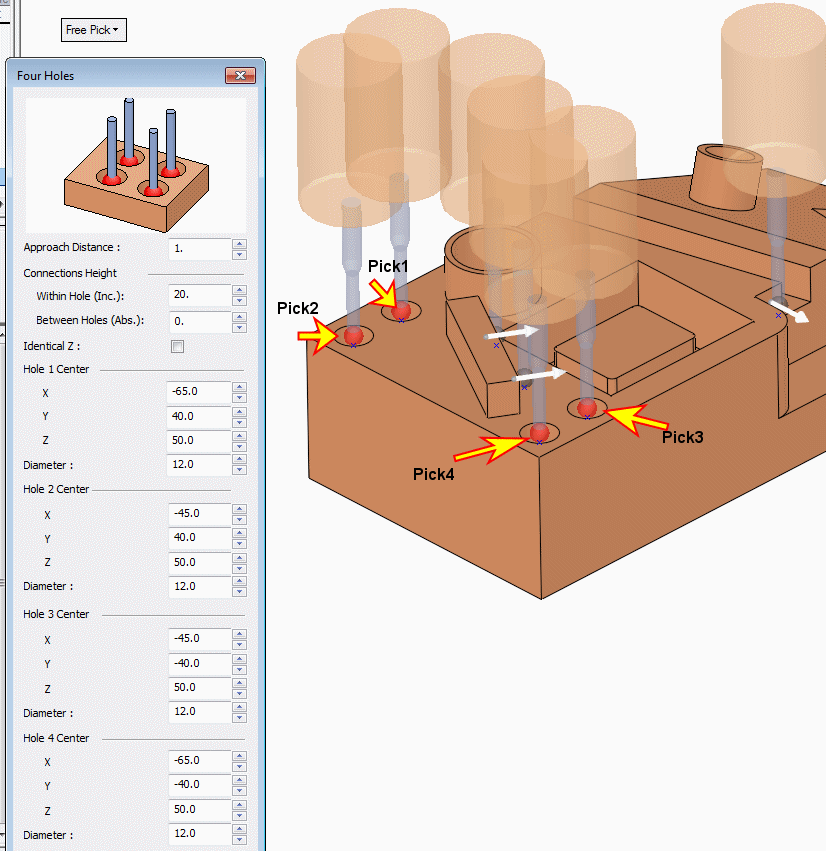
Once the Four Holes dialog opens, pick the cylindrical edge centercenter of each hole as shown below.
The diameter and center point values of each hole appear in the dialog.
Note that in this cycle (as in the Two Holes cycle) there are 2 Connection Heights options:- Within Hole (Inc) – the functionality of this parameter is the same as of Inc. Connection Height, which was discussed before. It controls the connections between measuring points of a single hole.
The incremental height from the measuring point in which the probe will pass to the next measuring point, across the measured feature. This enables skipping over obstacles in the geometry. - Between Holes (Abs.) – this controls the height of motions between the holes as absolute value from the active UCS. This may be set at a height to avoid any obstacles between the holes.
- Within Hole (Inc) – the functionality of this parameter is the same as of Inc. Connection Height, which was discussed before. It controls the connections between measuring points of a single hole.


