|
|
On Machine Inspection 7
-
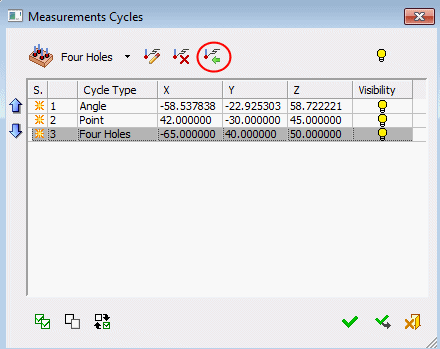
Select the last cycle row. Click the Import from CMM File button.
-
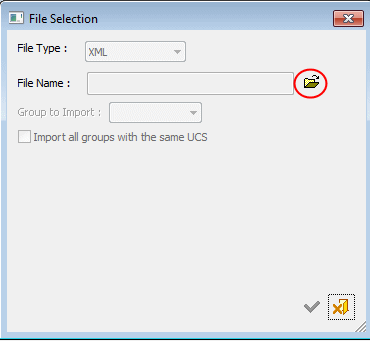
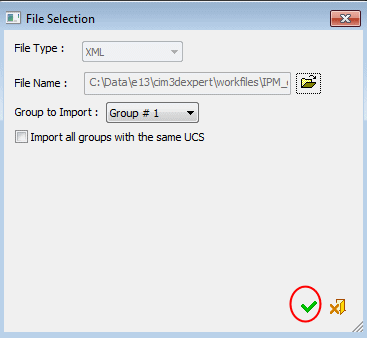
A File Selection dialog opens. Click the Open File button:
-
In this dialog, notice that the File Type parameter is set to XML. This is the only supported format at this point.
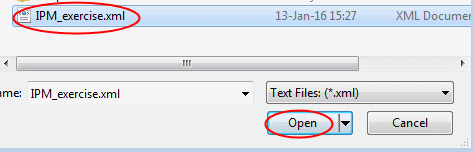
Browse and select the IPM_exercise.xml file.
-
Click OK.
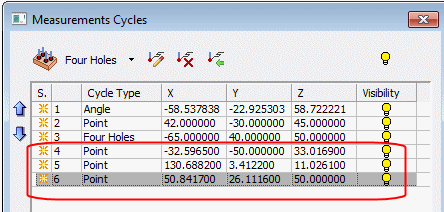
Notice the three Point measurement rows that were added to the Measurements Cycles list. The XML file contained data of 3 measured points. Each was added as a separate cycle.