|
|
Fixed and Horizontal Planes
The Fixed and Horizontal Planes option provides the following functionality:
-
Produces a shape that reflects the model more accurately.
-
Enables Rough technology to machine all the horizontal planes of the part.
-
Increases machining efficiency by locally machining the additional layers in a logical order (determined by constraint analysis), after the fixed layers have been machined.
In this step, we'll use the Fixed option together with additional parameters that provide greater control when selecting the Z layers that this procedure machines.
-
Open the Down step control.elt file.
-
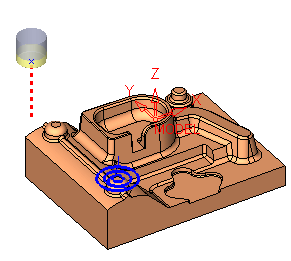
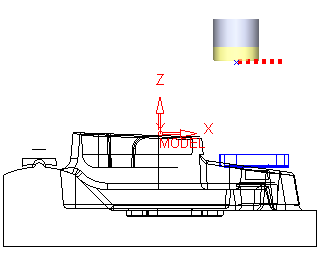
View the layers created in front view.
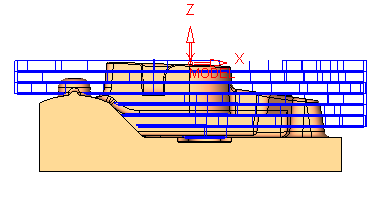
This procedure was calculated with a 8mm Fixed down step.
The layers displayed in the picture above are called Major layers. -
Rerun the procedure.
-
Change the Vertical Step Type to Fixed and Horizontal Planes and execute it.
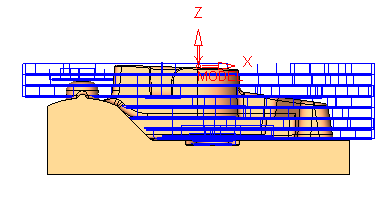
View the results (front view).It is also possible to duplicate the toolpath and to edit the procedure in the duplicated toolpath. Toggle the display to better view the difference.
There are new layers that were added above the horizontal planes within the offset specified in the procedure.
-
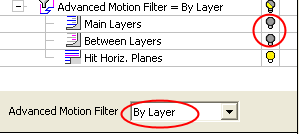
CLick Navigator.
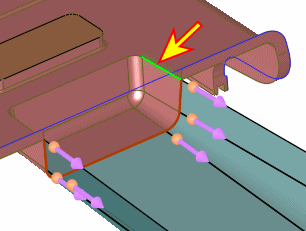
Change the Advanced Motion Filter option from None to By Layer.
-
Hide the Main Layers and Between Layers.
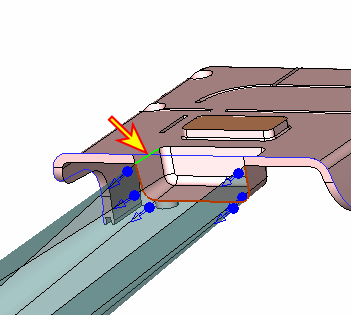
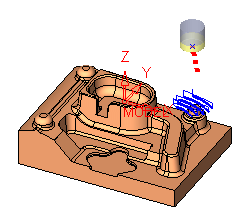
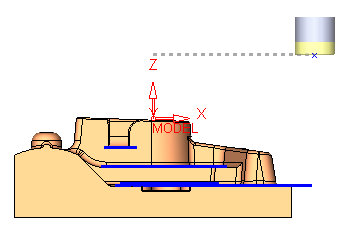
The additional Hit Horizontal Planes layers are shown in the following image:
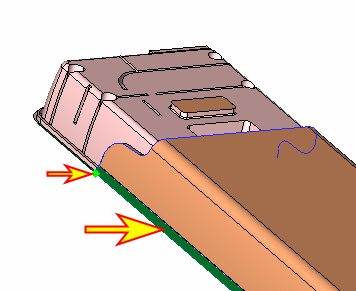
-
Change the drop down to simulate the procedure By Layer.
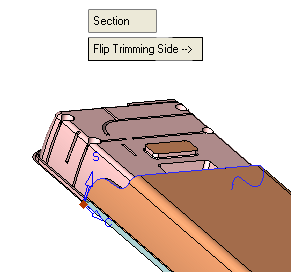
All bulbs associated with the Motions Filter display are automatically shown. This rule was set to avoid conflicts in the displayed toolpath.
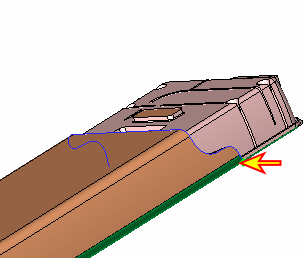
Notice that the layers that hit the horizontal planes are added locally only on the areas above the horizontal planes.
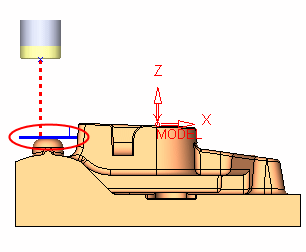
-
Mark the checkbox Skip Planes Close to Fixed Layer.
Set the Z MarginZ Margin to 4.0.
Determines whether planes above fixed layers are to be machined.
Rerun the procedure.
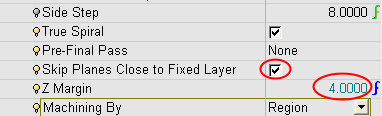
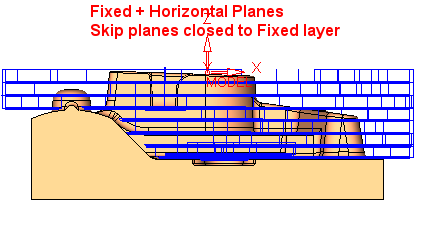
Some layers no longer exist in the procedure.
The Skip Planes Close to Fixed Layer option enables you to skip the machining of planes that are within a specified Z distance (less than 4 mm in our case) below a fixed layer (too close to the major layer).


