|
|
Remachine
Pencil Z Control
You can increase control over the machining by entering the Z Limit in the Cleanup and Pencil functions. Specifying the Z layer helps to control machining coverage of the part and also increases predictability.
-
Load the Cleanup & Pencil Z control.elt file.
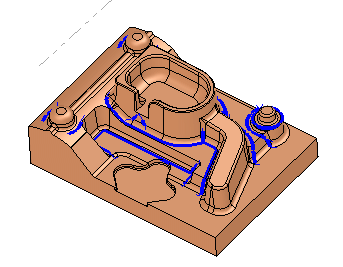
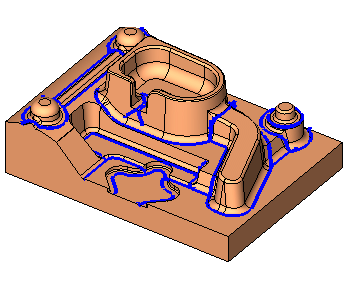
Notice the Pencil procedure in the second toolpath (named PENCIL).
-
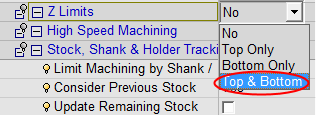
Duplicate the procedure and edit the duplicated procedure. Set the Z Limits to Top & Bottom.
-
Set the parameters for the Z Limit as shown in the following image:

-
Toggle between the two procedures to view the difference.
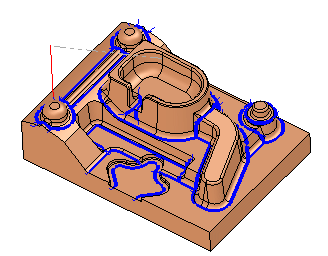
The Pencil motions are now limited in both directions: top and bottom.