|
|
Perform Optional Operations
Perform Optional Operations - Step 1
-
Before calculating the motions analysis, you can define which components will be included in the collision calculation process. Click Define Considered Components in Collision Mode.
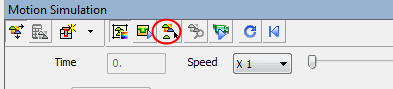
This optional stage is used to define which components participate in collision analysis. A component excluded from collision analysis can be penetrated by other components and is not rigid as far as the motion analysis is concerned. This optional stage may be used when only some of the components need to be analyzed or in order to reduce the complexity of the simulation calculation. By default and if this optional tool hasn’t been used, all components participate in collision analysis.
-
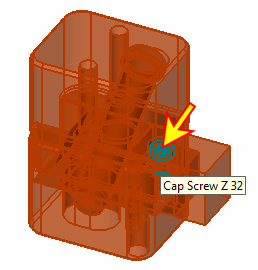
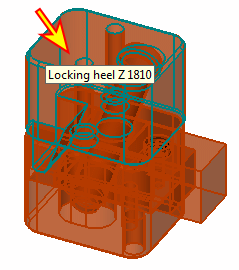
All components are selected by default. Deselect Cap Screw Z32 and Locking Heel Z 1810. Deselected components are displayed in Wireframe mode.
-
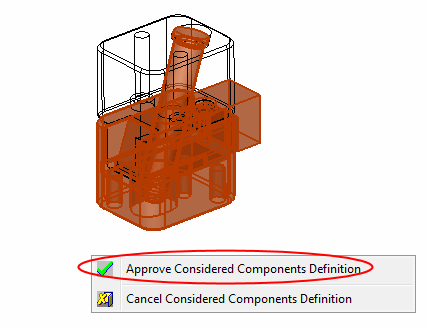
Right-click and select Approve Considered Components definitionApprove Considered Components definition to confirm the operation.