|
|
Perform Optional Operations - Step 2
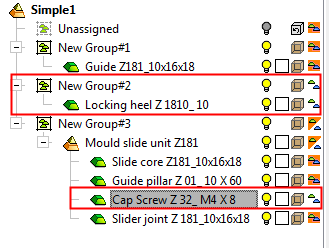
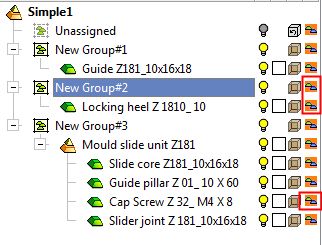
Notice the Group Tree. The icons next to Group 2 and Cap Screw in Group 3 sets have been changed.
You may also define whether a group or a component within a group should be ignored in the collision calculations by clicking this button to change the icon.
-
Click the Considered in Collision Mode icon to add the excluded components back to the collision analysis.
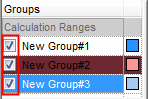
While in collision mode, to the left of each Group name is a checkbox that enables you to mark the entire group to be Considered or Ignored in Collision Mode (checked means Consider). This is the same as marking each item in a group in the Groups Tree with either the Consider or Ignore icon.