|
|
Prevent Waterfall - Two Groups of Check Faces
-
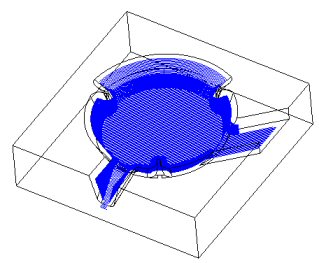
View the F_Slope12 procedure.
-
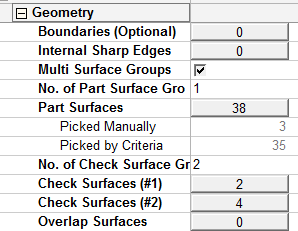
Edit the procedure. View the Geometry settings.
-
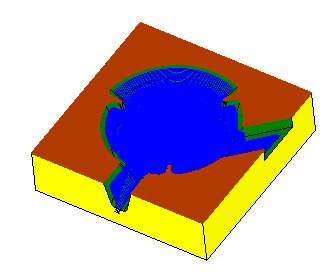
Mark the selection of first check surfaces group.
The first group is the top surfaces (can be parting faces).
In the example shown in the following image, two surfaces are picked.
-
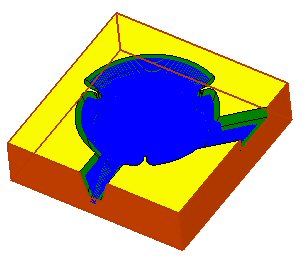
Mark the selection of the second check surfaces group.
The second group is the side walls.
In this example, 4 surfaces are picked.
The machining result is not satisfactory.
In this case, under-machining is achieved (but the opposite can happen as well).