|
|
Project 2
-
Drag a box as shown in the following image.
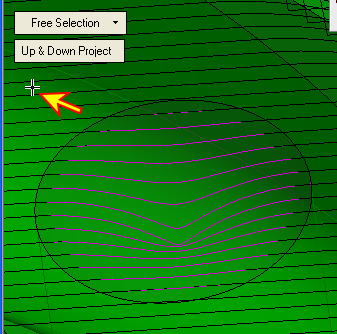
Zoom-in to the area to select a point between motions (otherwise, it is selecting a specific motion). -
Select another area of the cap face.
-
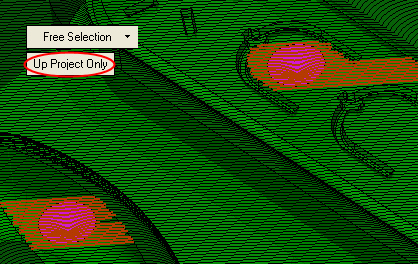
Toggle the Up & Down Project button to Up Project Only (up in Z direction).
Note that the surface is above the bad motions.
You may select the entire toolpath or portions of the toolpath using one of the options listed on the previous page.


