|
|
Project 3
Projection Faces
This section describes how to select faces to be removed from projection group.
-
From the Feature Guide, click the Remove Face button shown below:
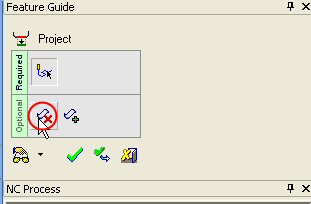
By default, the projection faces are the procedure’s part and check faces.
On these surfaces, the offset and other conditions such as orbit gap and spark gap (if activated) are kept as in the procedure.
You may add or remove surfaces to this selection.
-
Select the face as indicated by the arrow below:
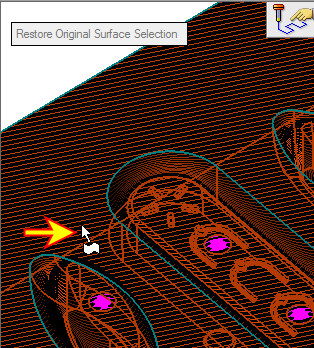
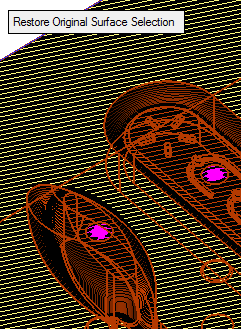
You may also remove all faces from the selection using the Clear SelectionClear Selection
 button from the toolbar.
The projection process may take some time. Therefore, as you select less surfaces you speed up the operation. However, it is the user’s responsibility to select the right surfaces.


