|
|
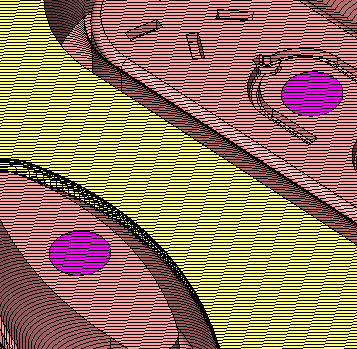
Project 4
You can now add faces.
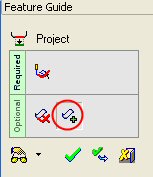
- From the Feature Guide, click the Add Faces button to add faces to the projection group.
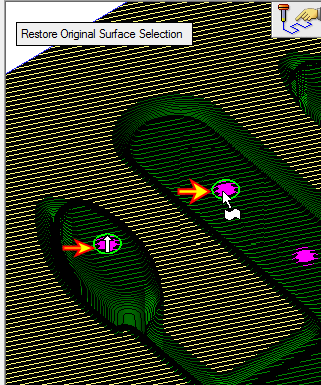
- Select the two cap faces as indicated by the arrows in the following image:
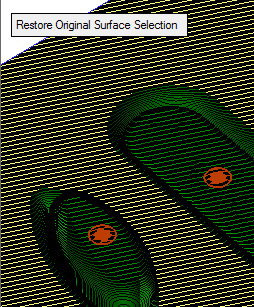
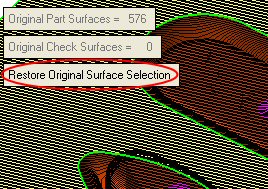
At any time, you may restore the original surface selection by pressing the Restore Original Surface SelectionRestore Original Surface Selection button.
-
Click OK from the Feature Guide to complete the function.