|
|
Replace Faces Step
Replace Faces Step 1
-
Right-click the first comparison. Select the Replace Faces option.
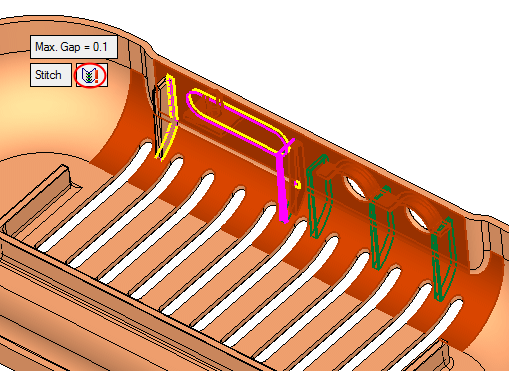
Notice the YELLOW and PINK edges. The stitch could not be performed. The PURPLE edges are a result of the limitation discussed in step 13.
-
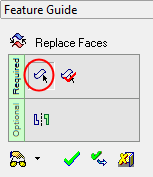
Enter the first stage first stage in the Feature Guide and select the faces of Rib 2 to be removed.
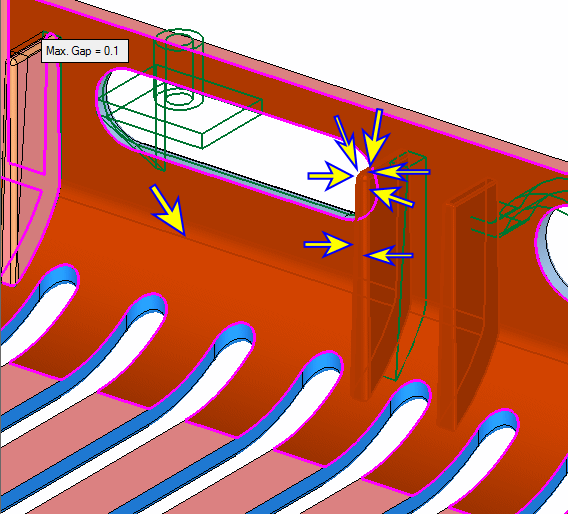
-
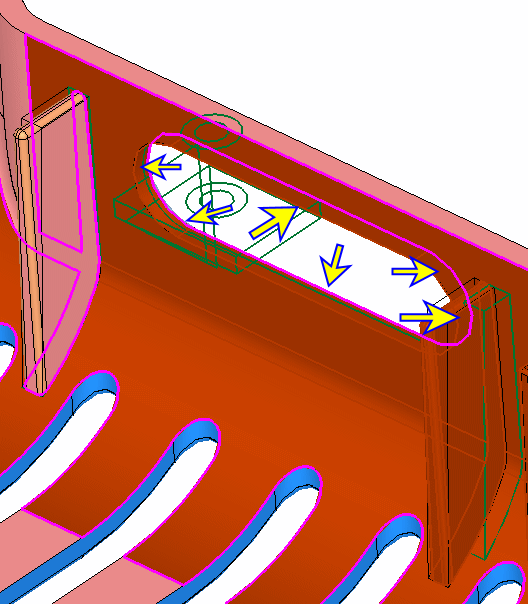
Enter the second stage in the Feature Guide. Select the following faces to be added:
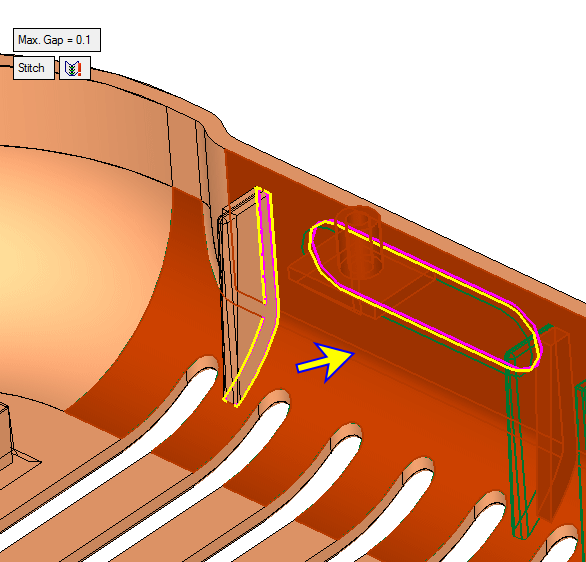
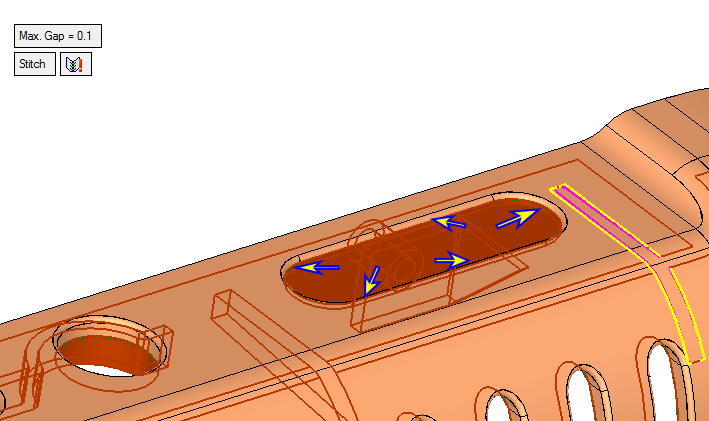
The edges of Rib 1 do not match the back face (the back face was added as a result of ECO1).
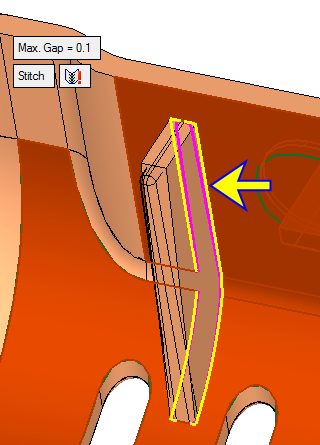
Keep the result unstitched to perform the corrections manually.
-
Click OK to approve the replace face operation.


