|
|
Replace Faces Step 2
We need to perform two corrections: Fix the back face of Rib 1 and apply tapper and rounds to Rib 2.
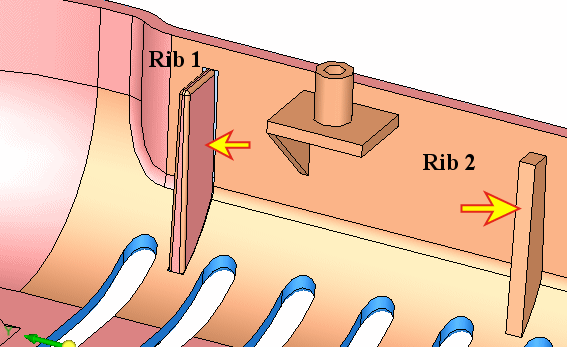
-
Activate the work file.
Modify by Sketcher the face indicated by the dark arrow.
Delete the edges indicated by small arrows (5 edges).
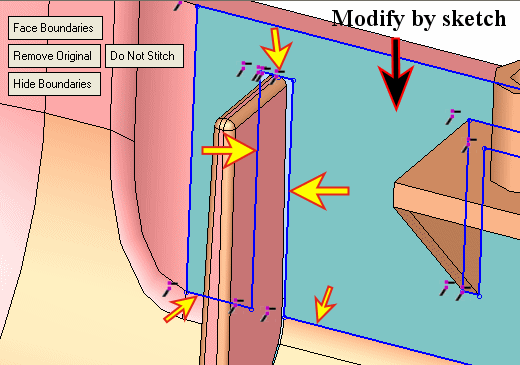
-
Add geometry. Add the edges of the tapered faces.
Create two lines between the open points.
Exit the Sketcher.
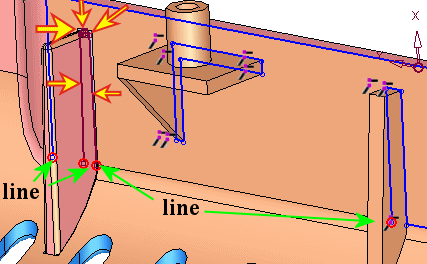
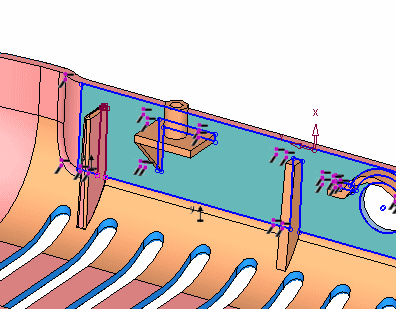
-
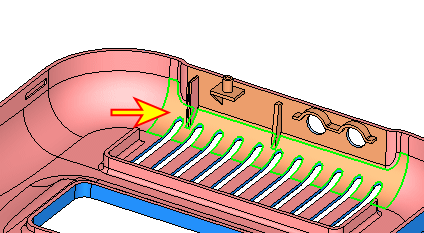
Repeat the same operation to the face indicated by the arrow in the image below:
-
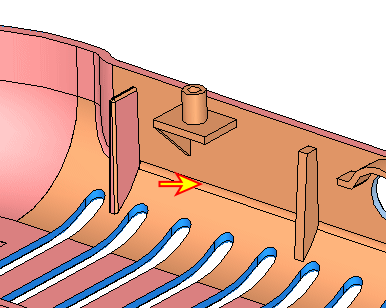
Modify the last face indicated by the arrow in the image below.
Exit the Sketcher.
-
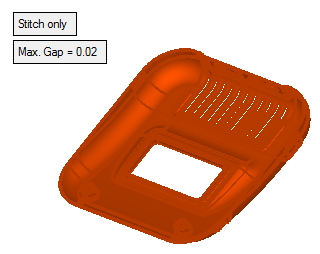
The gaps were fixed. Stitch the part.
-
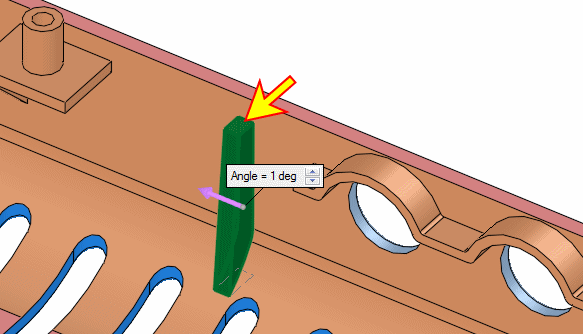
Apply taper on the second Rib.
Select the reference face indicated by the arrow in the picture below as the Natural plane.
Apply a draft angle of 1mm to the other faces (outwards).
-
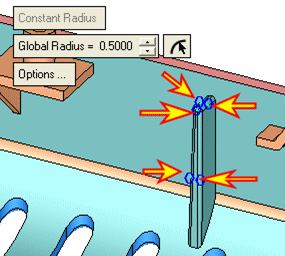
Apply rounds. Global Radius = 0.5 mm.
-
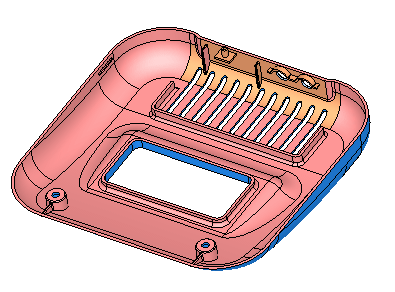
Click OK. All corrections were implemented.
-
Save and close the file.


