|
|
Save Screen Image
-
Rotate the part and zoom-in on the area of changes due to ECO1.
Select the first ECO (ECO1) in the table and click the Save Screen Image button in the tool bar.
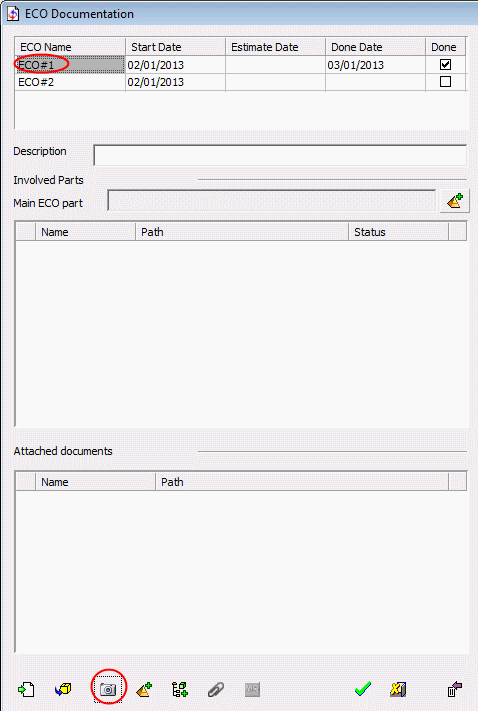
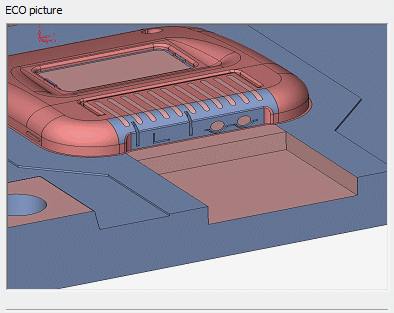
The image is displayed in the Documentation window.


|
|
|
|
Save Screen Image
Rotate the part and zoom-in on the area of changes due to ECO1.
Select the first ECO (ECO1) in the table and click the Save Screen Image button in the tool bar.
The image is displayed in the Documentation window.
|
