|
|
Save a Set of Motion Simulation Groups Step 2
-
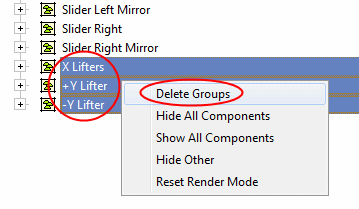
Delete unnecessary groups from the tree.
-
Click OK.
-
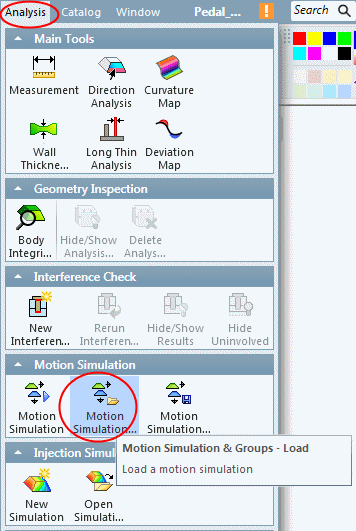
Select Analysis > Motion Simulation > Motion Simulation & Groups - Load.
-
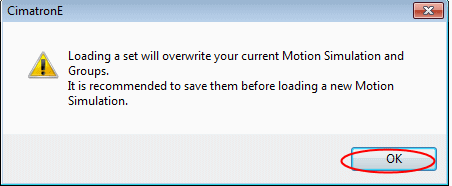
CLick OK to overwrite the current motion simulation and groups.
-
Select the previously created simulation and click OK.
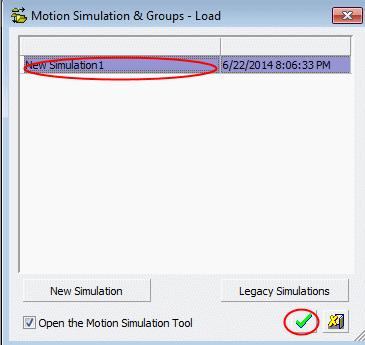
The saved set is loaded.
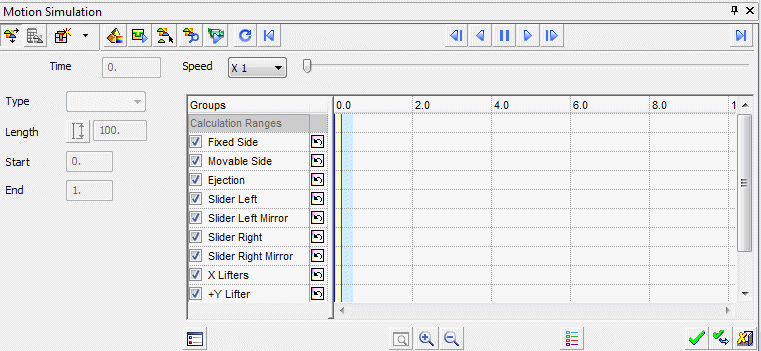
-
Click Cancel to exit the simulation window.


