|
|
Work with Motions Without Collision Step 1
Two modes are available for the motion simulation: With Collision Analysis and Without Collision Analysis.
-
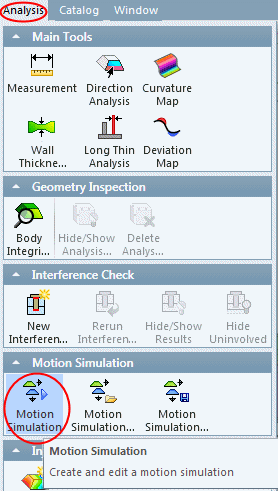
Select the Analysis > Motion Simulation > Motion Simulation option.
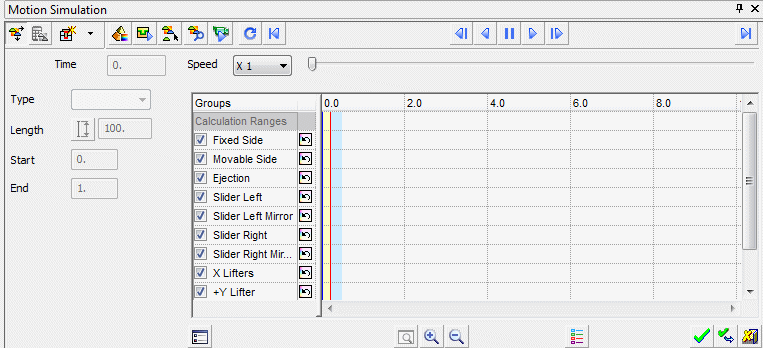
The motion window is displayed.
You can switch between the Motions by Collision Analysis mode and the Free Motion mode.
When working without collision (free mode), rigid bodies are only moved based on their defined motions. This is useful in the early design stages when the holes are not present, but split directions and some of the parts are ready.
When working with collision, bodies move according to defined motion but also take collision (of participating parts) into account. In this way, if one component moves, all parts that are physically connected to it will also move with it. This mode is suitable for matured molds.


