|
|
Separate Objects 2
-
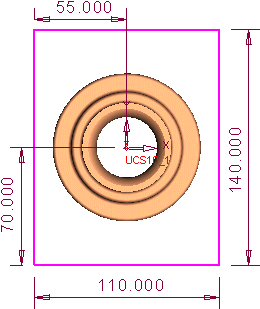
Select the top face as the sketching plane, and draw the sketch shown herehere.
-
Select the bottom face as the reference plane for the following New extrude:
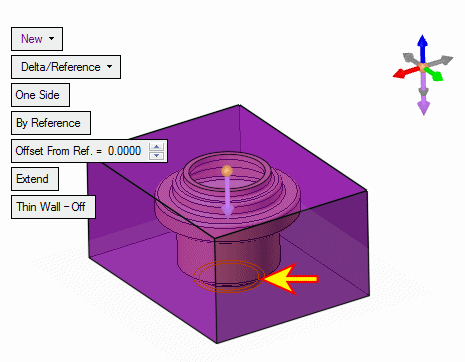
-
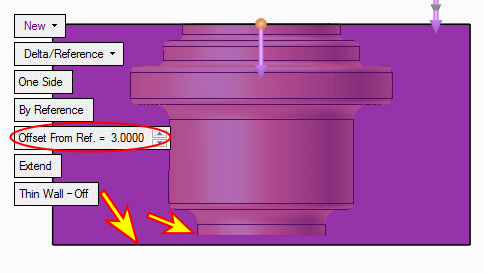
Note that you may set an offset to the reference plane. Set the Offset to 3. Preview the result.
-
Set the offset back to Offset = 0Offset = 0 and press OK.
-
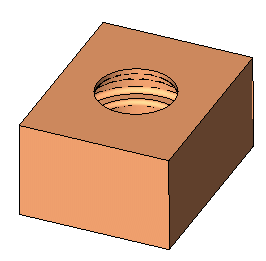
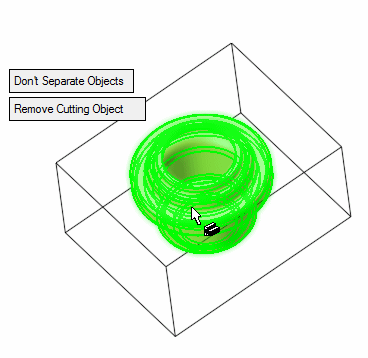
Select Solid > Cut and cut the block with the first object created.
-
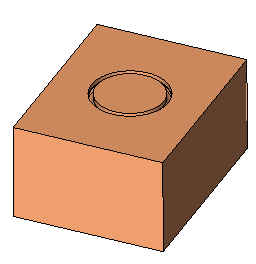
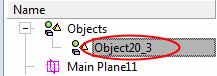
Note that the result of the cutting operation is one object.
-
Edit the cut feature and toggle the Don't Separate Objects option to Separate Objects.
-
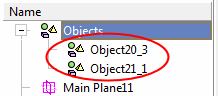
View the separate objects created.