|
|
Set Motion - Step 2
-
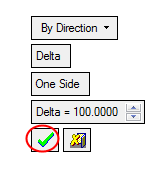
Accept the default parameters and click OK.
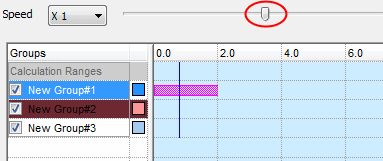
You can manually simulate movement by using the slider.
If the Play button is clicked, the slider is disabled; however, it moves along with the simulation. You can pause and then drag the slider forward, play again, and so on.
If the calculation has not been performed, other components will not move.