|
|
Set Motion - Step 3
-
Click Calculate Motions to calculate all the motions that are not calculated or are calculated but not updated. This option is only available in Motion by Collision Analysis mode.

During the calculation process, a status bar and a progress bar is displayed as shown in the image below:

-
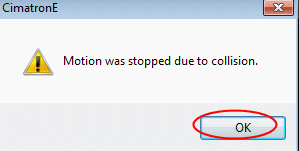
The motion was stopped due to collision. Click OK.
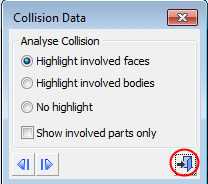
The Collision Data dialog is opened. Exit the dialog.