|
|
Shank and Holder Use Step 3
-
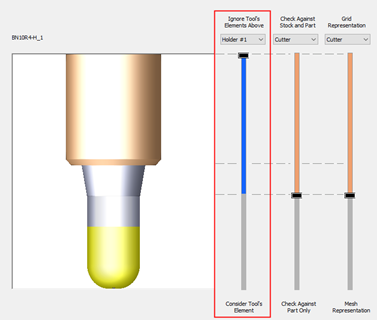
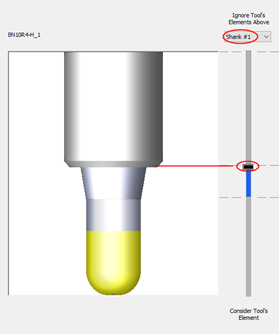
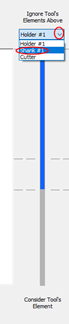
Either drag the slider bar toward the Cutter level or open the dropdown menu and select Shank#1. The holder element turns GRAY. This means that it will be ignored in the calculation.
-
Drag the slider all the way up to reset the changes.