|
|
Shank and Holder Use Step 2
The Access button opens the Shank and Holder Usage dialog.
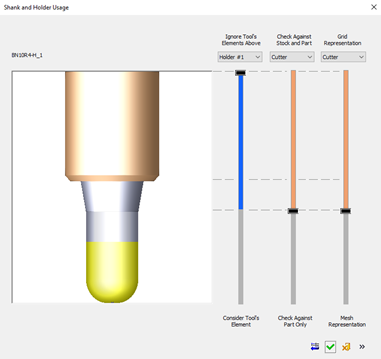
The Use option means that the parameters are set to their default values. For the novice user, these are the safest (but not the fastest) parameters to be used.
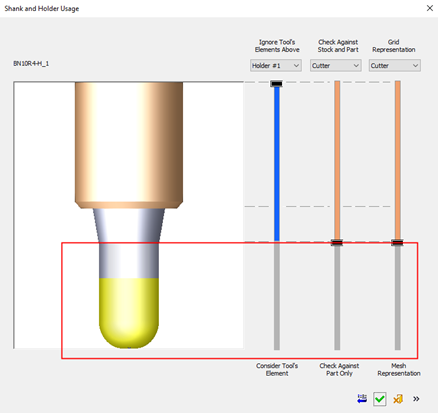
The default parameters of the Use option in a Finish procedure are as follows:
- The cutter is always checked against accurate part as defined by the surface tolerance in the table parameters.
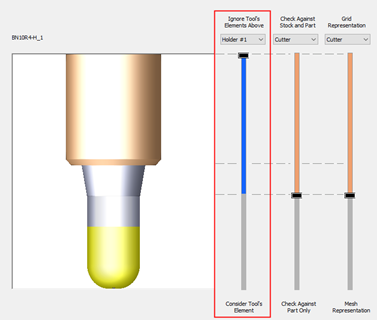
- The Ignore Tools Elements Above Holder#1 slider determines which elements of the tool will be included in the calculations.
- The elements below the slider handle, where the bar is colored BLUE, will be included.
- The elements above the slider handle (GRAY bar) will be excluded and ignored.
- The current setting means that all the elements are included.