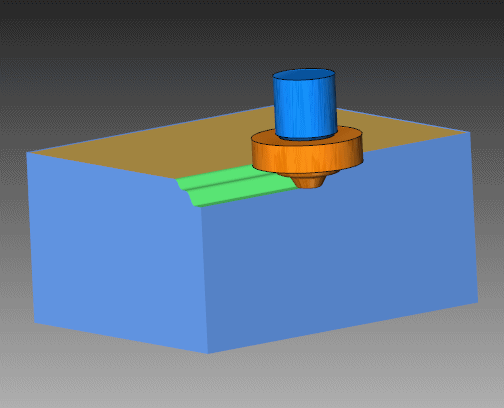
|
|
Shaped Cutter
-
Open the shaped1.elt file.
-
Show the revolve object.
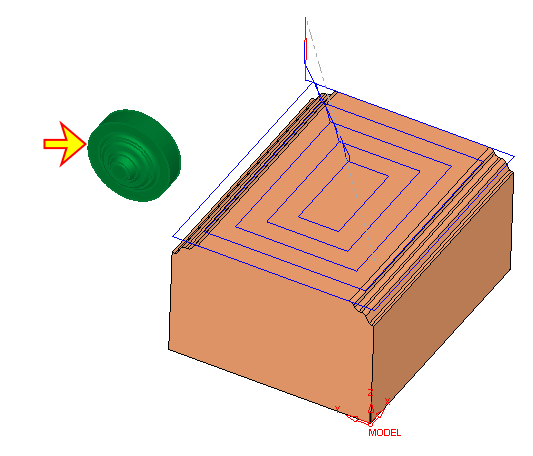 .
.
-
Edit the second procedure, Curve -3X.
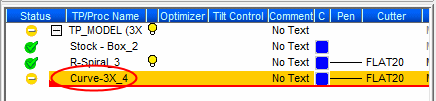
-
Define a new cutter with these parameters:
Technology = Special
Type = Shaped -
Click the Select Revolved Body button.
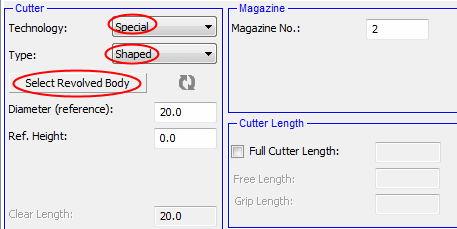
-
Select the revolved body in the display area.
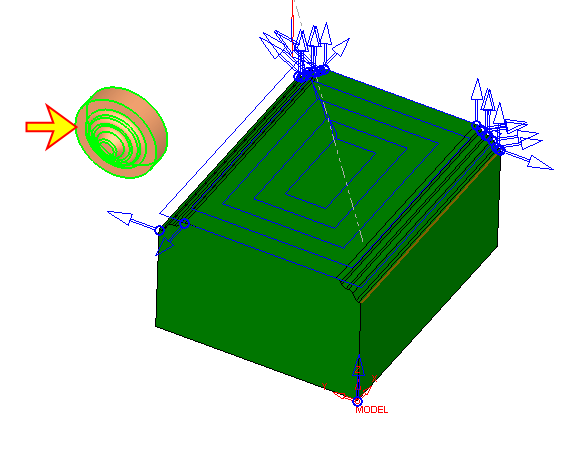
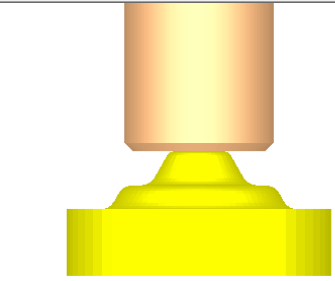
The revolved body is used as the cutter. -
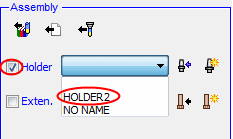
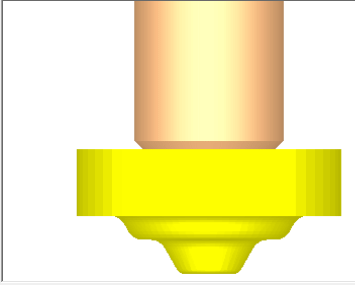
Select a holder for this cutter.
-
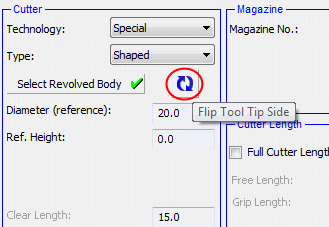
You can click the Flip Tool Tip Side button to flip and correct the orientation if needed.
-
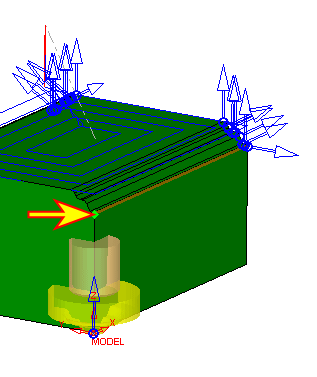
Select the point indicated by the arrow in the following image to place the cutter:
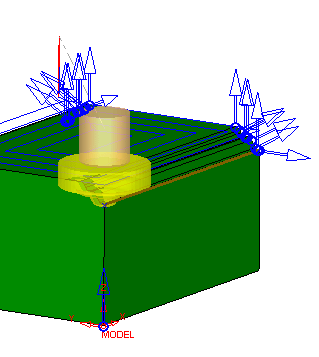
The shaped cutter can also be simulated in the Machine Simulator. -
Close the file without saving it.