|
|
Tap Tool
-
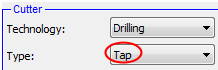
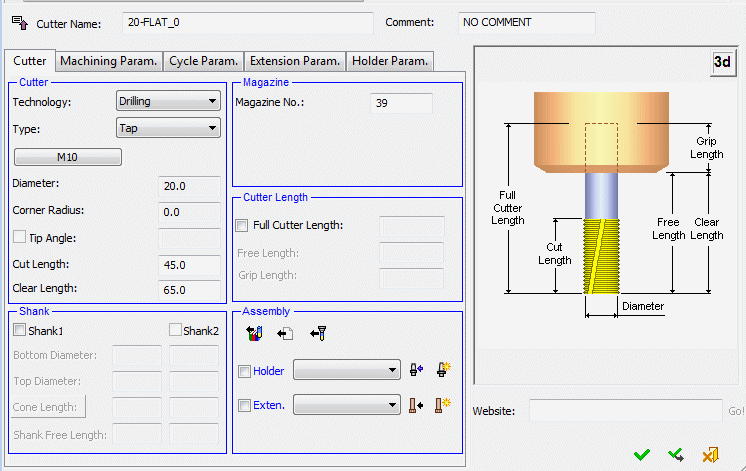
Select Tap Tool. Unmark the Shank checkbox.
-
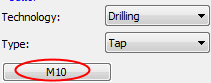
Click the M10 button.
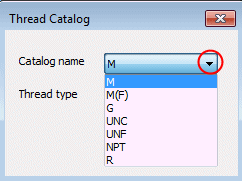
The Thread Catalog dialog, which contains the thread types, is displayed.
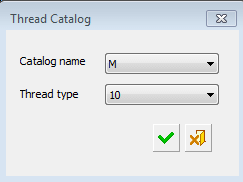
The following thread catalogs are supported:
-
Click Cancel.
-
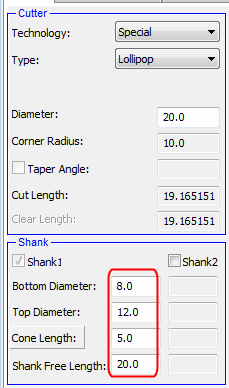
From the Technology dropdown list, select Special.
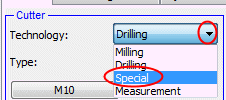
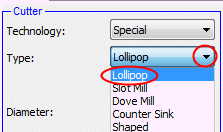
Special Tools include 4 types: Lollipop, Slot Mill, Dove Mill, and Counter Sink.
-
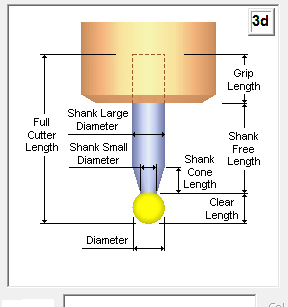
Set the parameters as shown in the following image and click OK.
-
Select OK, save the file, and close it.


