|
|
Sketch
-
Enter the Sketcher on the ZX plane and draw two circles as shown below:
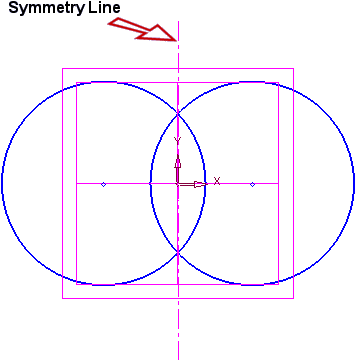
-
Now create a second symmetry line, and draw a circle from the point shown below:
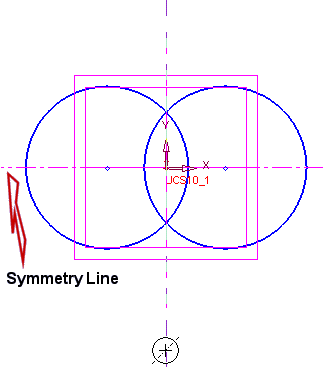
Select the tangenttangent of either circle.
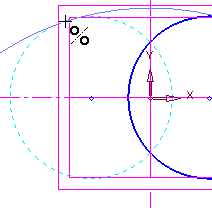
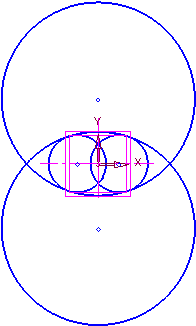
-
With the use of the Trim toolTrim tool
 , trim the edges to receive the following view:
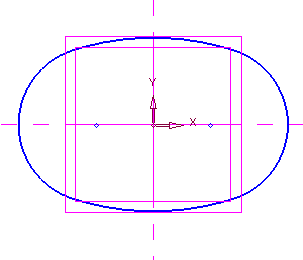
-
Place the dimensions:
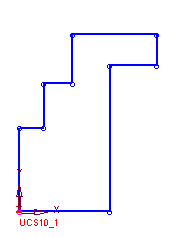
To apply a dimension value of 43.5, select the upper arc and the symmetry line indicated by the arrow in the picture below:
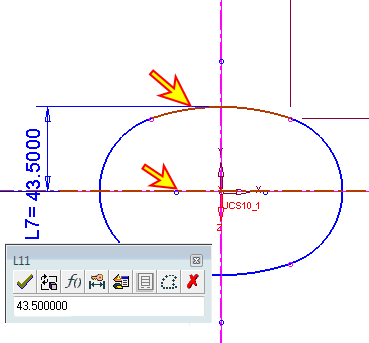
-
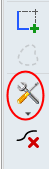
Now, from the Sketcher general toolbarSketcher general toolbar, select the Save Sketch iconSave Sketch icon.
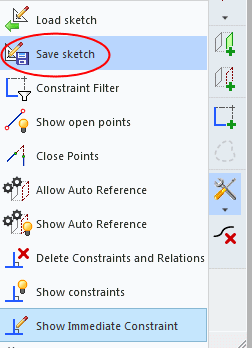
-
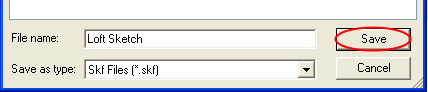
Save the sketch as follows:
-
Exit the Sketcher.


