|
|
Sets and M-View
Step 10 - Access
The Sets option in Cimatron allows you to create groups of specific geometric entities. These entities can belong simultaneously to different sets.
- Open the file Housing Sets.elt under the \\Tutorials\Cimatron_2025.0_Workfiles\Getting Started folder.
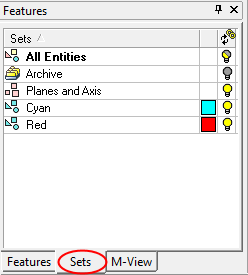
- Open the Sets tool by clicking the Sets tab in the Features Tree.
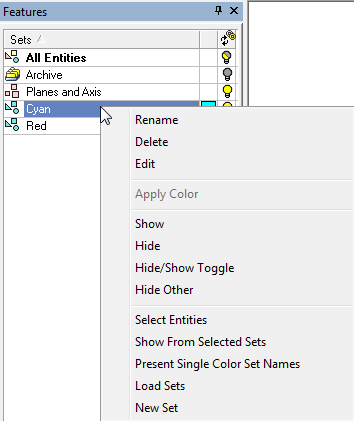
Each set supports a range of editing operations.