|
|
Work With Motions With Collision - Step 1
-
Switch to Motion By Collision Analysis.
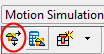
-
Click the Define Considered Components in Collision Mode icon. You can exclude parts that will not participate in the calculation.
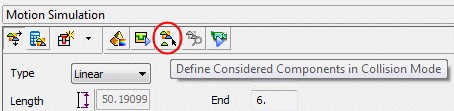
-
Cancel the operation.
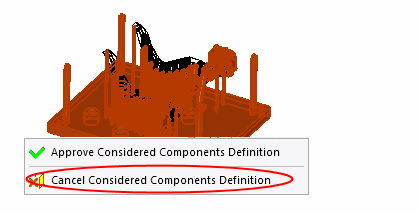
-
You may also exclude parts using the right column in the tree.
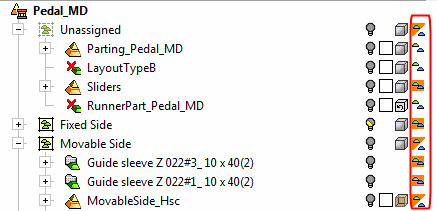
-
Ensure that the icons next to the work parts are set to be ignored in the collision mode.



