|
|
Work With Motions With Collision - Step 3
You can define a specific range for the calculation.
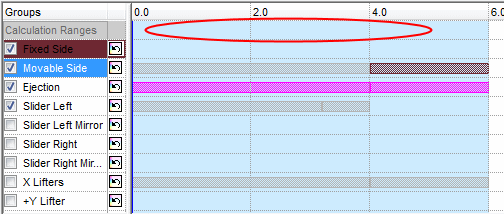
The Calculation Range bar defines the limits of the area to be calculated. The function will calculate the area between the start and the end markers of the range bar. Select a range by clicking the area of the range on the top row (the row of the range definition bar).
-
Click the area indicated by the arrow below: You can also drag the range area.
-
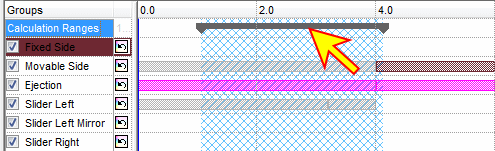
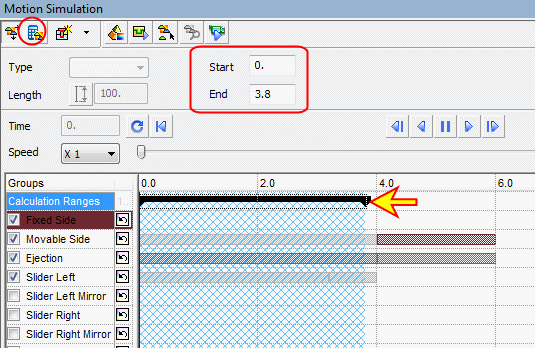
Drag the end point of the range to enlarge it until it reaches 3.8 sec or type 0 for the Start point and 3.8 sec for the End point.
-
Click the Calculate Motions tab to calculate motions of all the groups participating in the calculated analysis (the ones that have been selected).
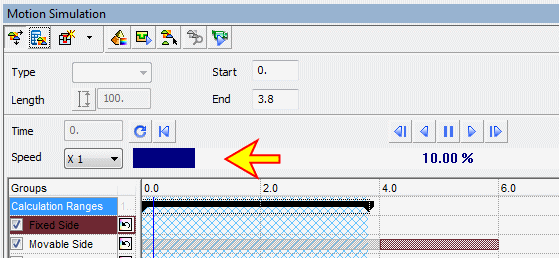
During the calculation process, a status bar and progress indicator are displayed as shown in the image below: