|
|
Work With Motions Without Collision - Step 2
-
Click the Feature tab. Display the tree as shown in the images below:
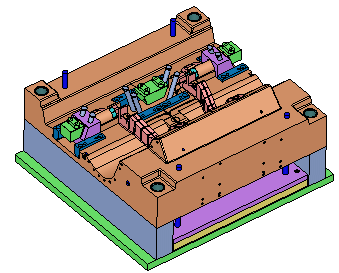
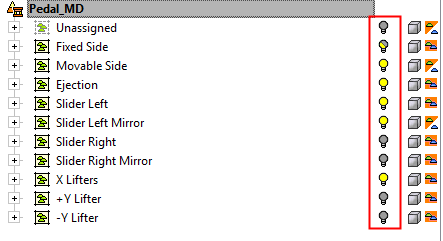
-
Click the Motion Simulation tab. Switch to Free Motion mode. Note that everything is done in a single tab (groups, motions simulation).
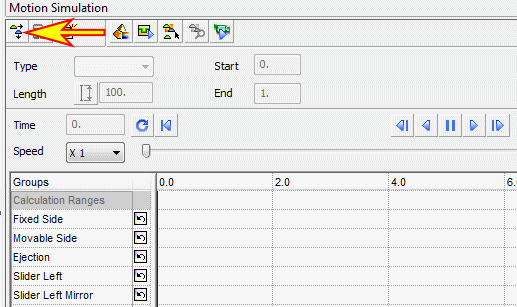
-
Double-click the line next to the movable side group.
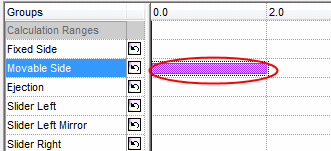
-
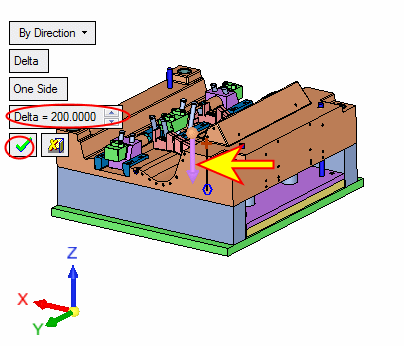
Set the motion downwards in Delta = 200. Click OK.