|
|
Work with Motions Without Collision Step 4
-
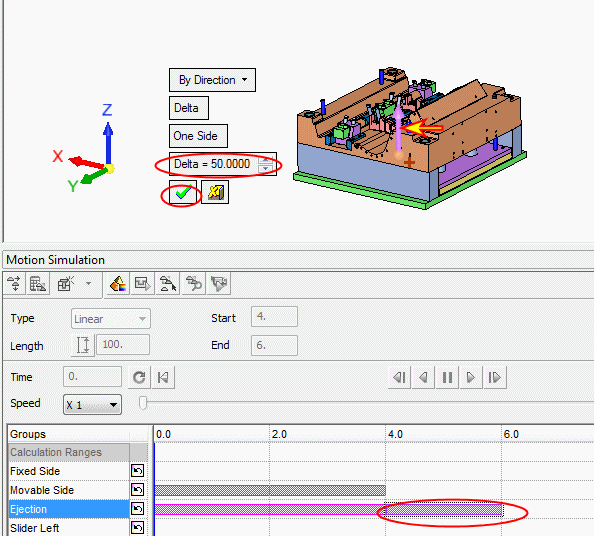
Create another motion for the ejection system from 4 to 6 sec. Move the ejection system 50 mm up.
-
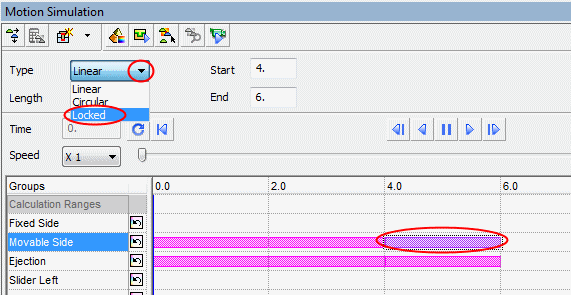
Lock the motion of the movable side from 4 – 6 sec.
-
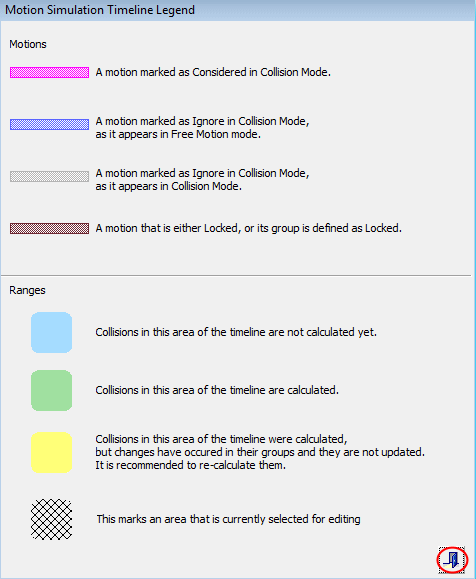
Click the LegendLegend button to display the Motion Simulation Timeline Legend dialog detailing the meaning of the various motion and range colors.

-
Exit the dialog.