|
|
Work With Motions Without Collision - Step 6
-
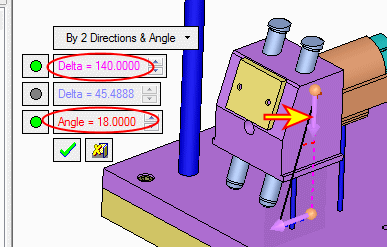
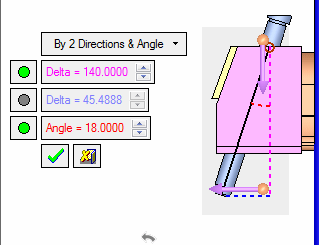
Click the UCS to set the other direction along the -Z axis. Set the following values:
-
Delta = 140
-
Angle = 18.
-
-
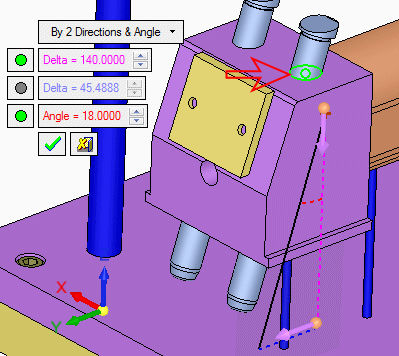
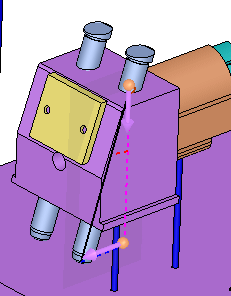
Set the start point in the center of the pin's hole.
-
Click OK.