|
|
Work With Motions Without Collision - Step 7
-
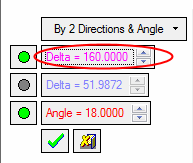
Edit the motion. Change the value to 160 for demo purposes.
-
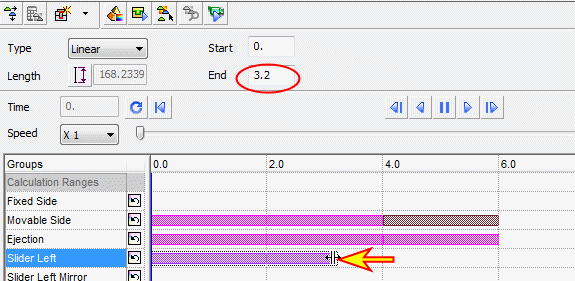
Drag the motion to 3.2 (200 mm travel in 4 sec, 160 travel in 3.2 sec).
-
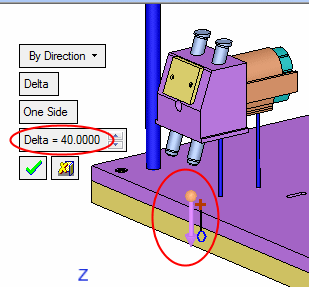
Create another motion to the slider in -Z direction, Delta = 40 (to 4 sec).