|
|
Work With Motions Without Collision - Step 8
-
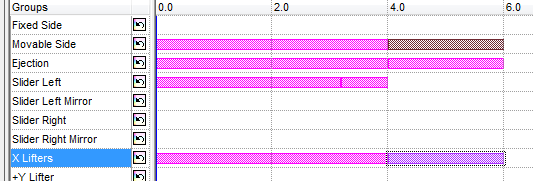
Create a motion for the X Lifters in –Z direction. Set the following values:
-
Delta = 200 for 4 sec.
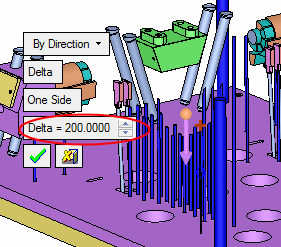
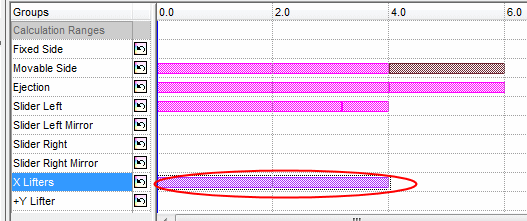
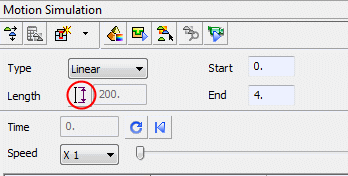
You can edit the length of a motion (Delta) by double-clicking it in the timeline, or by clicking the Length button.
-
-
Create another motion, By 2 Directions & Angle,
-
Delta = 50
-
Angle = 5.
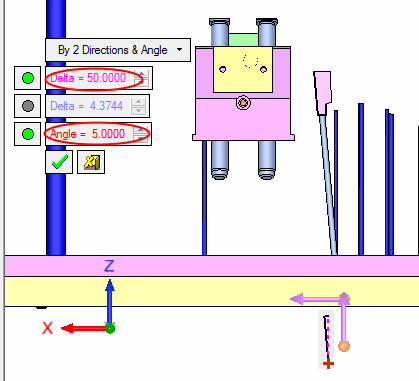
-
- Start the motion at 4 sec and end it at 6 sec.