|
|
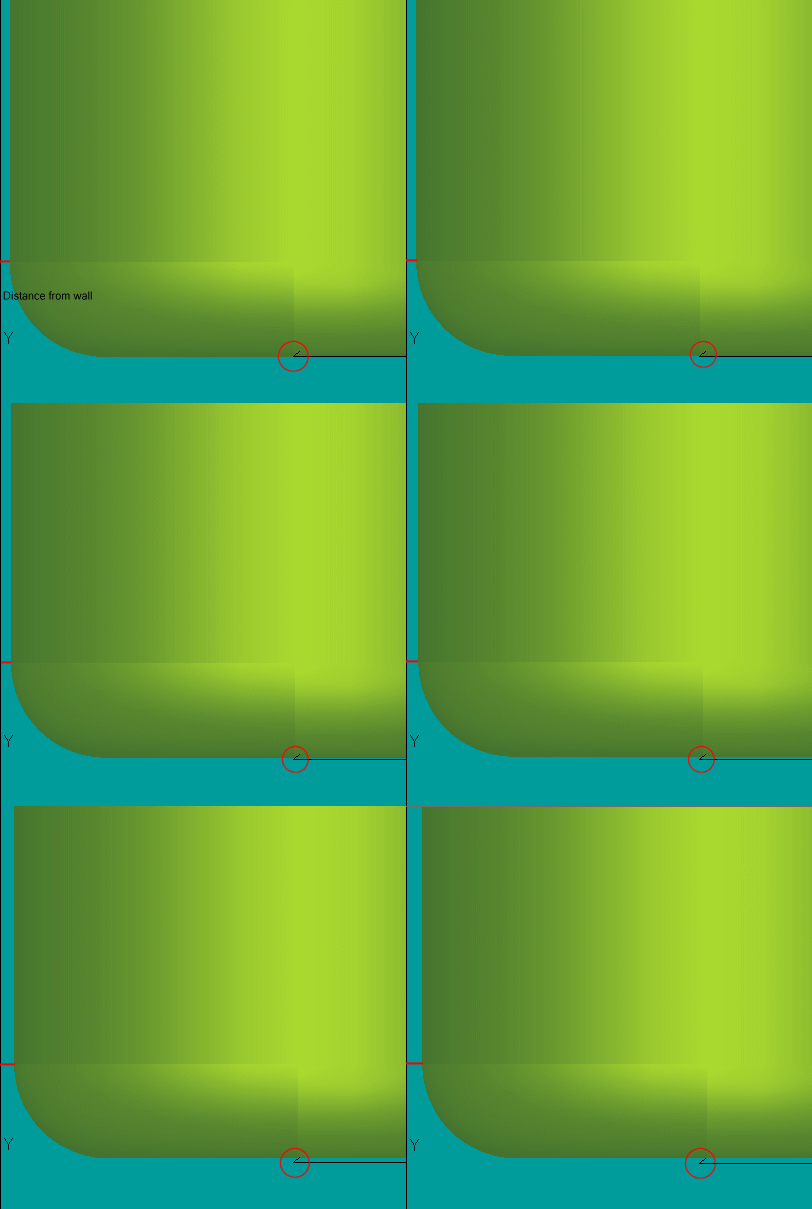
Retract Near Walls
-
Rerun the procedure.
Change the Entry Mode to By Length and re-select the boundary.
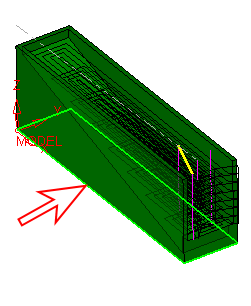
-
Click Navigator.
Place the tool at the end of the 6th layer.
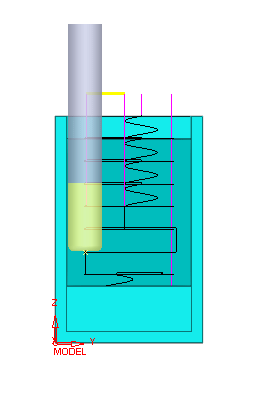
Note that in the Rough procedures, in order to avoid marks on the part and damage to the cutter, the tool retracts in a tangential arc of 45 degrees and diameter = min (side step/2, 1mm).
While moving from the wall, the tool also moves in the Z Up direction to avoid making marks on the floor (especially in the "hit horizontal" layers).